How to Stream on OnlyFans Live Like a Pro (Full Guide & Tips)
Learn how to stream on OnlyFans Live like a pro. Full guide covering equipment setup and engagement tactics to maximize tips during live streams.
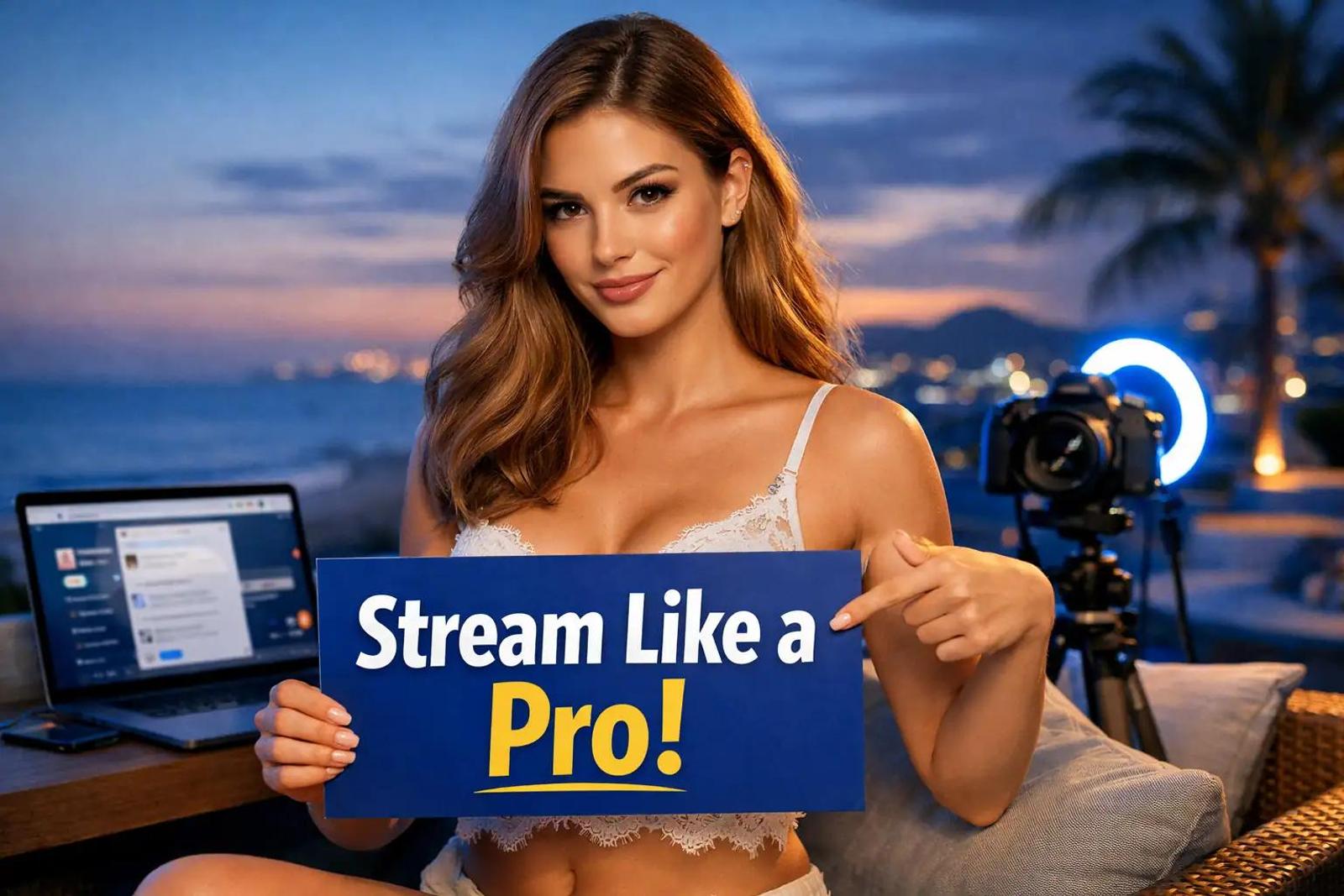
Most creators think OnlyFans Live is just turning on a camera and hoping people show up.
They go live without a plan, stream on terrible WiFi, price everything wrong, and then wonder why nobody tips. Meanwhile, creators who treat streaming like a professional operation earn approximately 31% more than those who only post photos and videos.
That is a massive difference in revenue.
If you ignore livestreaming, you are leaving money on the table. OnlyFans keeps 20% commission, meaning you keep 80% of everything you make during a broadcast. This is the highest payout in adult streaming.
Below is the complete guide on how to set up, monetize, and grow your OnlyFans Live streams using the exact numbers and strategies that work.
Why Should I Start Streaming on OnlyFans Live?
You should start streaming because livestreamers earn approximately 31% more than non-streamers with the same follower count. The platform keeps only 20% commission, so you keep 80%. Live streams create multiple revenue opportunities through entry fees, real-time tips, tip goals, and reselling recordings as PPV content afterward.
Streaming is not just about the money you make while the camera is on. It is about the "double dip" revenue.
When you finish a stream, the recording automatically saves to your Vault. You can then resell that recording as Pay-Per-View (PPV) content to fans who missed it. A stream that earns you $500 in live tips can easily generate another $200 to $400 in PPV sales later.
If you are trying to understand how this fits into your overall earnings, read this guide: OnlyFans Earnings Explained: Gross vs Net Income.
What Do I Need Before I Can Go Live?
You need three things to start streaming on OnlyFans Live. First, a verified creator account. Second, a minimum of 5 subscribers. Third, at least 5 published posts on your profile. Once you meet these requirements, the "Go Live" button appears on your profile and home page.
The barrier to entry is low, but strict. You cannot stream immediately after account creation.
The Pre-Flight Checklist
- Verification: Submit your government ID. This process takes 1 to 3 days.
- Subscribers: You need 5 subscribers. You can get these from social media followers or Reddit promotion. If you are struggling with this first step, check out How to Start on OnlyFans Without Followers.
- Content: Post 5 intro photos or videos showing your face and content style.
Once the "Go Live" button appears, do not click it publicly yet. You need to configure your stream settings first. You can set entry fees (charging non-subscribers $5 to $50 while keeping it free for existing subscribers), add descriptions, and establish tip goals.
Always test privately first. Go live privately to check your camera angle, lighting, audio levels, and internet stability.
What Equipment Do I Actually Need?
You need a minimum 5 Mbps upload speed for 720p streaming and 10+ Mbps for 1080p. Wired ethernet beats WiFi every time for stability. For equipment, a Logitech C920S webcam ($70), Neewer 18-inch LED ring light ($80), and a USB condenser microphone ($40 to $60) create professional-quality streams for under $200 total.
You do not need a cinema camera to start. You need reliability.
Internet Speed Rules
Test your upload speed at speedtest.net before you even think about streaming.
- Less than 5 Mbps: Streaming will not work reliably.
- WiFi vs Ethernet: Wired ethernet beats WiFi every time. WiFi drops packets and disconnects randomly, which kills your viewer retention immediately.
- Data Usage: At 1080p and 30fps, mobile streaming consumes approximately 1.1 GB of data per hour and drains about 20% of your battery.
Recommended Equipment Setup
You can look professional for under $200. Upgrading your lighting and audio immediately improves perceived value, which leads to higher tips.
| Component | Beginner / Budget Option | Professional Option | Price Est. |
|---|---|---|---|
| Webcam | Logitech C920S | Sony Alpha A7 IV | $70 vs $2,500 |
| Lighting | Natural Window Light | Neewer 18-inch LED Ring Light (5500K) | Free vs $60-$90 |
| Audio | Built-in Mic | USB Condenser Microphone | Free vs $40-$100 |
| Connection | WiFi (Risky) | Wired Ethernet | Free vs $15 (cable) |
If you have a higher budget, the Canon EOS M50 Mark II ($700) is a solid middle ground between a webcam and the Sony Alpha. For mobile streamers, the Razer Kiyo ($100) has a built-in ring light.
How Do I Make Money During the Stream?
You make money from OnlyFans Live through four revenue streams: entry fees from $5 to $50 per viewer, real-time tips capped at $100 for new users ($200 for established users), tip goals with promised rewards, and reselling stream recordings as PPV content afterward.
Do not rely on just one method. Combine them all.
1. Entry Fees
You can charge $5 to $50 per viewer for stream access. A smart strategy is to provide free entry to existing subscribers while charging non-subscribers. This filters out freebie-seekers who never spend.
2. The Tip Menu
Create a strategic tip menu. If you do not tell people what to buy, they will not buy anything.
| Action | Recommended Price |
|---|---|
| Shout-out | $5 to $10 |
| Answer a Question | $10 to $15 |
| Spin the Wheel (Game) | $20 |
| Outfit Change | $20 to $30 |
| Premium Performance | $50 to $100+ |
Remember that OnlyFans takes 20%. A $100 tip nets you $80.
3. Tip Goals
Tip goals are your most powerful motivation tool. Revenue reportedly doubles when streams use tip goals.
Set visible targets with promised rewards.
- "At $250, I'll change outfits."
- "At $500, [specific action]."
Displaying collected tip amounts creates social proof. When one person tips, others feel competitive and tip too.
Lookstars is an OnlyFans management agency that supports creators with multi-platform marketing, 24/7 fan chatting, strategic posting management, privacy setup, and content leak protection, with no upfront costs and flexible cancel-anytime contracts.
Apply here: Lookstars Agency
When Is the Best Time to Go Live?
You should schedule OnlyFans Live streams between 7 and 11 PM EST on weekends because these are peak hours when subscribers are online, relaxed, and willing to spend. However, analyzing your specific audience's location and habits matters more.
Peak streaming hours generally fall between 7 and 11 PM EST. Friday and Saturday nights perform best because subscribers are not working the next day.
However, generic advice fails if your audience is different. If most of your subscribers are in Europe, streaming at 7 PM EST (which is midnight in London) will bomb.
How to Find Your Perfect Time
- Check the Live Count: OnlyFans shows a live count of followers online. Watch this number.
- Ask Your Fans: Post polls asking subscribers their preferred times. This yields actionable data.
- Consistency: Establish a predictable schedule like "Every Sunday at 9 PM EST." Subscribers need to know when to expect you.
Two streaming sessions weekly represents optimal frequency. Streaming more frequently kills perceived exclusivity.
How Long Should My Stream Be?
Your OnlyFans Live streams should last 15 to 30 minutes when starting out, then scale to 3 to 4 hours minimum once experienced. Many subscribers only join once streams are "in full swing," often an hour after starting.
If you stream for 20 minutes and log off, you miss the whales.
- Beginners: Start with 15 to 30 minute sessions to get comfortable.
- Pros: Plan for 3 to 4 hours minimum.
The first hour is usually slow. Subscribers trickle in slowly. Many join 60 to 90 minutes after you start. The second and third hours generate the most revenue.
The Math:
- A 30-minute stream might earn $100 to $200.
- A 3-hour stream with the same subscriber base earns $400 to $800.
To get people there, you must promote. Promote streams 1 to 3 days in advance. Send a short video message to all subscribers announcing the time. Pin an announcement post. Cross-promote on Twitter, Instagram Stories, and Reddit. Send a final reminder immediately before going live.
For more on promotion strategies, read: OnlyFans Marketing Funnel: From Social Click to Paid Sub.
How Do I Keep Viewers Entertained?
You keep viewers engaged by displaying visible tip menus with clear rewards, thanking tippers immediately by name, running interactive games like Spin the Wheel or Truth or Dare, and building genuine rapport through personalized conversation.
If you sit there silently, people will leave. You need to be a host.
Engagement Tactics
- Name Recognition: Thank tippers immediately by name. "Thank you so much, Alex, for that $50 tip!" feels personal.
- Interactive Games:
- Spin the Wheel: Viewers pay $20 to spin for random rewards.
- Truth or Dare: Fan-suggested questions at $15 each.
- Polls: Viewers vote on activities.
- Milestone Opens: Progressive content reveals as tip goals are reached.
Handling Trolls
Do not engage. Trolls thrive on attention. If you acknowledge them, you ruin the vibe for the paying fans.
Block or mute them silently and immediately. Never acknowledge that it happened. For persistent problems, appoint trusted moderators or use keyword filters to auto-block offensive language.
OnlyFans vs. Cam Sites: Which Pays Better?
OnlyFans Live pays 80% to the creator, which beats traditional cam sites significantly. Chaturbate takes 40%, Stripchat takes 35 to 45%, BongaCams 50%, and CamSoda 45 to 50%. However, cam sites offer built-in discovery that OnlyFans lacks entirely.
Here is the breakdown of why you might choose one over the other.
| Platform | Creator Payout | Platform Cut | Discovery |
|---|---|---|---|
| OnlyFans | 80% | 20% | Zero (Must bring own traffic) |
| Chaturbate | 60% | 40% | High (Homepage features) |
| Stripchat | 60% | 35% | High |
| BongaCams | 50% | 50% | Medium |
A $1,000 streaming day nets you $800 on OnlyFans versus only $600 on Chaturbate. Some creators have reported earning $8000 to $20000+ per month.
However, traditional cam sites excel at discovery. They feature creators directly on their homepages, driving organic traffic. OnlyFans provides basically zero discovery; you must drive every viewer through external social media marketing.
If you already have a following, OnlyFans is the better financial choice. If you are starting from zero, cam sites might provide a better launchpad.
For more on choosing platforms, check out: OnlyFans vs Fanvue: Which Platform Is Better for Adult Creators in 2026?.
Lookstars is an OnlyFans management agency that supports creators with multi-platform marketing, 24/7 fan chatting, strategic posting management, privacy setup, and content leak protection, with no upfront costs and flexible cancel-anytime contracts.
Apply here: Lookstars Agency
Frequently Asked Questions About OnlyFans Live
Can I stream on OnlyFans from my phone? Yes, you can stream through the mobile browser. However, at 1080p and 30fps, mobile streaming consumes approximately 1.1 GB of data per hour and drains about 20% of your battery. A desktop setup is recommended for serious streams because of stable ethernet connections and a larger interface.
How much do creators earn from OnlyFans Live streams? Creators who livestream earn approximately 31% more than non-streamers with the same follower count. Average successful streams earn $200 to $800 depending on subscriber count and engagement. Revenue often doubles when streams use tip goals.
How often should I go live on OnlyFans? Two streaming sessions weekly represents optimal frequency. Streaming more frequently than that kills perceived exclusivity. Consistency beats frequency, so establish a predictable schedule like "Every Sunday at 9 PM EST."
Can subscribers record my OnlyFans Live streams? OnlyFans does not prevent screen recording. You must assume anything you stream can be recorded and leaked. Use geo-blocking to prevent local recognition and watermark your streams with your OnlyFans username. For more on protection, read Avoiding OnlyFans Screen Recording Leaks: What Helps and What Doesn''t.
What is the difference between OnlyFans Live and regular posts? OnlyFans Live creates real-time interaction with tipping, tip goals, and immediate engagement. Regular posts are pre-recorded content. The biggest advantage is that live streams automatically save to your Vault after ending and can be resold as PPV content, giving them double monetization potential. For ideas on what to post when not live, see Best OnlyFans Content Ideas (What to Post on OnlyFans) in 2026.
Lookstars is an OnlyFans management agency that supports creators with multi-platform marketing, 24/7 fan chatting, strategic posting management, privacy setup, and content leak protection, with no upfront costs and flexible cancel-anytime contracts.
Apply here: Lookstars Agency



Ready to transform your career?
Join hundreds of creators already earning six figures with Lookstars Agency.
Share this article
Best OnlyFans Agency
Europe's Leading OnlyFans Management Agency.

100% Free Ebook
Get our guide and unlock the secrets to OnlyFans success.
100% Free Ebook
Get our guide and unlock the secrets to OnlyFans success.
Free Revenue Calculator & Profile Analyzer
Try them for freeContinue reading...

Am I Attractive Enough for an OnlyFans Agency? The Answer

Can You Ever Fully Delete Your OnlyFans Content? The Reality
