OnlyFans Banking and Payments in Mexico
Getting paid consistently matters just as much as gaining subscribers, especially in Mexico where currency conversion, bank compliance, and privacy worries c...
Getting paid consistently matters just as much as gaining subscribers, especially in Mexico where currency conversion, bank compliance, and privacy worries can turn a “good month” into a stressful one.
This guide breaks down OnlyFans banking and payments in Mexico in a practical, risk-aware way: how payouts typically move, what to set up to reduce delays, what to do when a transfer is late, and how to protect your identity while keeping your finances clean.
How OnlyFans payouts typically work (so you can spot problems fast)
OnlyFans payouts usually have two stages:
-
Platform stage: your earnings become eligible for payout based on the platform’s internal processing timeline.
-
Bank stage: once released, the money travels through payment rails (and sometimes intermediary banks) to your account.
Most “Mexico payout issues” happen at the bank stage, not because you did something wrong, but because:
- Name/KYC details don’t match exactly (platform verification vs bank account holder).
- Bank routing details are incomplete or formatted incorrectly.
- Currency conversion and intermediary fees reduce the final amount or create extra processing time.
- AML (anti-money laundering) checks add friction, especially on first payouts or larger jumps.
Policies and payout options can change, so always double-check the current requirements in the official OnlyFans support documentation before you update banking details.
Mexico-specific realities to plan around
Your legal name needs to match, even if your brand name doesn’t
Your fans can call you whatever you want. Your bank cannot.
In practice, payout systems tend to be strict about:
- First and last name spelling
- Accents and hyphens (sometimes)
- Middle names or double last names
If your bank account is under a different variation of your name than your OnlyFans verification details, you’re more likely to see delays, rejections, or “needs review” situations.
Banking details may require Mexico-specific routing info
Depending on the payment method available to you, you may be asked for banking information that can include Mexico-specific routing fields (for example, details like CLABE or beneficiary bank identifiers). The exact fields depend on the payout provider used by the platform at that time.
The point is not memorizing the perfect format, it’s copying the details exactly as your bank provides them and not improvising.
Currency conversion is part of your payout reality
Many creators in Mexico experience one of these outcomes:
- You receive funds in MXN after conversion.
- You receive funds in a foreign currency and your bank converts it.
In both cases, the “loss” usually comes from a mix of:
- Bank exchange rate spread n- Incoming transfer fees n- Intermediary bank deductions
You don’t need to obsess over every peso, but you do want to track expected net payout so you can catch abnormal deductions early.
Some banks are more comfortable with creator income than others
This is a soft reality: banks have different internal risk policies. Even if your income is legal and you’re compliant, a bank may still flag unusual activity like:
- First-time international transfers
- Large sudden increases
- Many small incoming payments (if you use multiple platforms)
This is why creators who want less stress often keep a separate account for platform income.
Choosing your best banking setup in Mexico (simple decision framework)
A good setup is the one that balances reliability, privacy, and simplicity for your current stage.
Option A: Use your personal bank account
Best if you are starting, payouts are smaller and stable, and you want the least admin.
Risk: less separation between personal life and business finances.
Option B: Open a separate account dedicated to creator income
Best if you’re already making consistent money or you’re serious about scaling.
Benefits: cleaner bookkeeping, easier tax prep, and less privacy risk if you ever need to share personal bank statements for unrelated life stuff (rent applications, loans, etc.).
Option C: Use an alternative payout method (only if supported for your account)
Some regions and account types may have additional payout providers. If you see an alternative option inside your OnlyFans payout settings and it’s available to you, evaluate it on reliability and fees.
Risk: extra verification steps, extra fees, and sometimes more “support loops” if something goes wrong.
Here’s a quick comparison to help you choose:
| Setup option | Best for | Pros | Cons / risks |
|---|---|---|---|
| Personal Mexican bank account | New creators who want simplicity | Fast to set up, fewer moving parts | Less privacy separation, harder bookkeeping later |
| Separate account dedicated to payouts | Creators scaling past hobby stage | Clean records, easier tax tracking, less personal exposure | Requires admin, possible bank questions |
| Alternative payout provider (if available) | Creators optimizing speed/fees | Potentially smoother international rails | Availability varies, fee complexity, more verification |
If you’re unsure, the “safe default” for most creators in Mexico is Option B: a separate account that you treat like a business wallet.
Payout setup checklist for Mexico (do this before you change anything)
Use this as your pre-flight check to avoid payout delays.
- Confirm your legal name in OnlyFans matches your bank account holder name.
- Get your bank details directly from your bank app or a bank document (avoid copying from memory).
- Screenshot or save the current payout settings before you change anything.
- Avoid changing payout details right before weekends or holidays if you’re already stressed about timing.
- Plan a “first test payout” mindset: expect the first payout after changes to be slower.
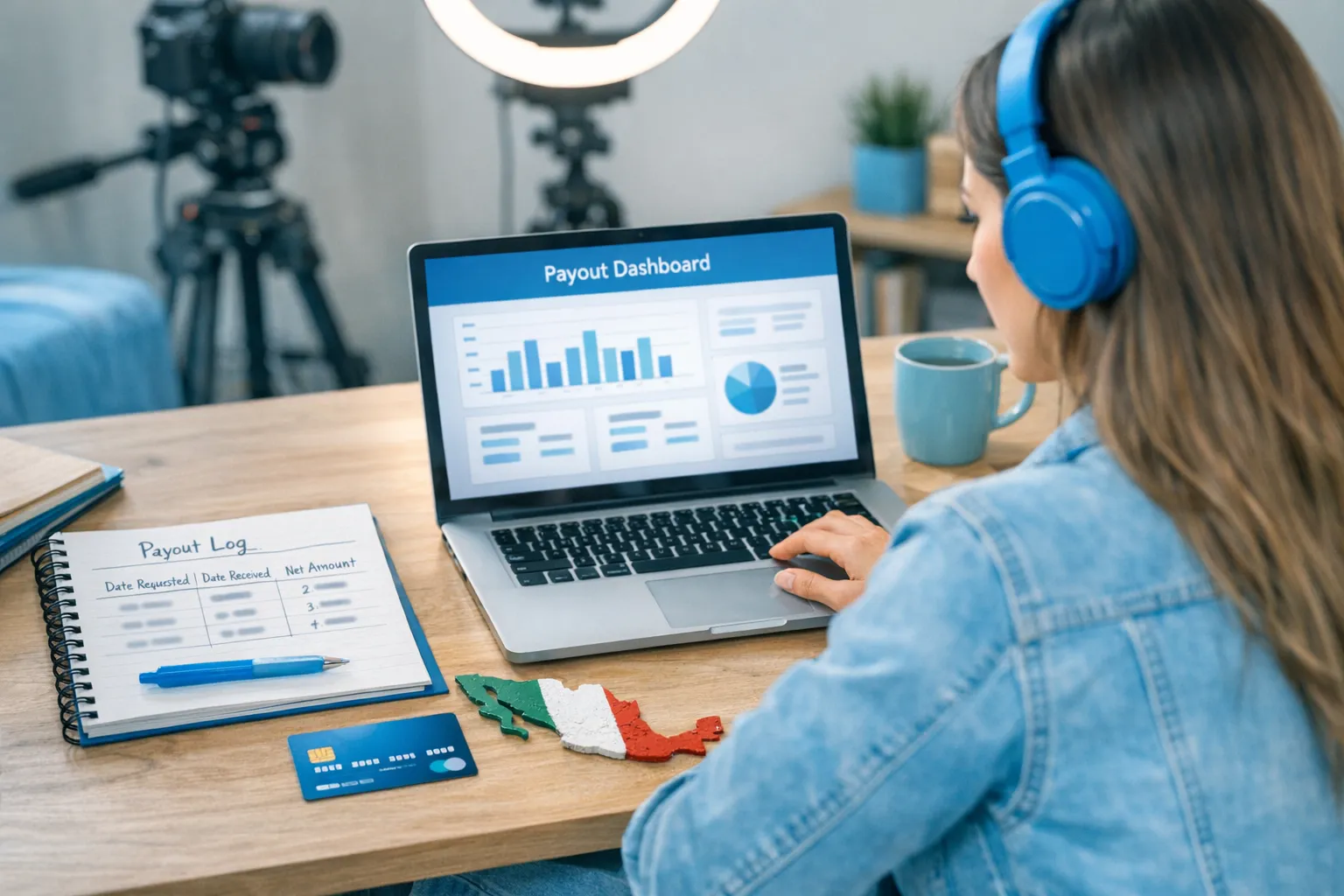
- Start a simple payout log: date requested, date received, gross, fees, net.
If you want a deeper troubleshooting playbook for international transfers, this Lookstars guide is helpful: International payouts: how to avoid common delays.
If your payout is late: a calm 30-minute troubleshooting flow
Late payouts are stressful, but panicking usually leads to rapid settings changes that make it harder to diagnose.
Step 1: Identify where the delay is happening
Ask: “Is this still inside the platform processing window, or is it already ‘sent’ and now it’s a bank issue?”
If the payout status indicates it was sent, the bank stage is your main suspect.
Step 2: Check the top 5 “quiet killers”
Most delays come from these:
- Name mismatch (including spacing and double last names)
- Wrong routing field format
- Recently updated bank details
- First payout (or unusually large payout)
- Weekends and banking holidays
Step 3: Gather your proof before contacting anyone
Have this ready:
- Payout date/time and amount
- The last 4 digits of your bank account (never share full details in unsecured channels)
- Any payout reference info shown in your dashboard
Step 4: Send a clean, professional support message (template)
Here’s a copy/paste template you can use for platform support:
Subject: Payout delayed (Mexico) – request for status confirmation

Hi Support Team,

I requested a payout on [DATE] for [AMOUNT]. The payout status in my account shows [STATUS].

Can you please confirm:
1) Whether the payout has been released/sent from your side
2) If there were any verification or banking detail issues detected
3) Any reference number or information my bank would need to trace it

Country: Mexico
Payout method shown in my account: [METHOD]

Thank you,
[YOUR LEGAL NAME]
Then stop changing settings until you get a response.
Privacy protection for Mexican creators (banking edition)
If your biggest fear is “someone in my life sees a bank notification and connects the dots,” focus on separation and exposure control.
Use separation like a shield
Practical privacy moves:
- A dedicated payout account that you don’t use for everyday spending
- A dedicated email and phone number for financial accounts (not the one your family knows)
- Turn off unnecessary bank notification previews on lock screen
Reduce local discovery risk on the platform side too
Banking privacy helps, but many “outed” stories happen through local discovery, not bank statements. If anonymity is part of your plan, also use OnlyFans privacy features like country blocking and tighten your overall footprint.
This guide can help you think through the full privacy system: How to secretly promote your OnlyFans (without friends or family finding out).
Taxes and bookkeeping in Mexico (keep it simple, stay ready)
This is educational, not legal or tax advice. Laws and platform policies can change. Verify with official sources or a qualified professional (for Mexico, a contador is usually worth it once you’re earning consistently).
Even if you’re not ready to do “full accounting,” you should do two things:
-
Track payouts separately from earnings (what you earned on-platform is not always what hits your bank after fees and timing).
-
Keep proof of expenses that are clearly business-related (equipment, software, contractors, editing, content protection, etc.).
A low-stress routine that works for creators is a weekly 45 to 60 minute money check-in. This Lookstars post gives you a step-by-step habit you can copy: OnlyFans taxes: weekly habit to stay organized.
If you’re thinking about separating personal and business finances more formally, you can also read: LLC for OnlyFans: when it makes sense. (If you’re in Mexico, treat this as a concept guide and ask a local professional what the equivalent structure and obligations would be.)
When you should get help (and when you shouldn’t)
You don’t need an agency just because payouts feel confusing.
Consider getting support if:
- You’re making consistent money but losing hours to admin and payout stress
- You’ve had repeated payout delays and can’t pinpoint why
- You want stronger privacy protection (leak monitoring, takedowns, country blocking strategy)
- You’re trying to scale beyond one platform and want more stability
If you’re still in “first $500 to $2k/month” mode, you may be better off keeping it simple, building consistency, and tightening systems gradually.
If you’re at the stage where you want to focus on content and let a team handle the operations, growth, and safety side, learn how a management partner changes the workload here: Working with an agency vs running OnlyFans alone.
Lookstars supports creators with OnlyFans account management, marketing, 24/7 fan chatting, and privacy tools like leak protection and country blocking, without upfront costs or long-term contracts. If you want to explore whether it’s a fit for your situation, you can apply here: Lookstars Agency.



Ready to transform your career?
Join hundreds of creators already earning six figures with Lookstars Agency.
Share this article
Best OnlyFans Agency
Europe's Leading OnlyFans Management Agency.

100% Free Ebook
Get our guide and unlock the secrets to OnlyFans success.
100% Free Ebook
Get our guide and unlock the secrets to OnlyFans success.
Free Revenue Calculator & Profile Analyzer
Try them for freeContinue reading...

Am I Attractive Enough for an OnlyFans Agency? The Answer

Can You Ever Fully Delete Your OnlyFans Content? The Reality
