How to Withdraw Money from OnlyFans in Mexico
Withdrawing your OnlyFans earnings in Mexico can feel weirdly stressful, even when your account is doing great. Most payout issues aren’t “OnlyFans hates Mex...

Withdrawing your OnlyFans earnings in Mexico can feel weirdly stressful, even when your account is doing great. Most payout issues aren’t “OnlyFans hates Mexico” problems, they’re small details like a name mismatch, the wrong bank field, or a transfer getting held by an intermediary bank.
This guide walks you through how to withdraw money from OnlyFans in Mexico, what to prepare before you hit “Withdraw,” and the fastest way to troubleshoot if your payout is delayed.
First: confirm what payout methods you actually have (Mexico can vary)
OnlyFans payout options can vary by country and can change over time. So the very first step is not a tutorial step, it’s a reality check:
- Go to your OnlyFans Settings area.
- Find the section for Banking / Payouts (wording can vary).
- Look at the payout methods that are available to you.
For many international creators, the most common route is a bank transfer (wire/international transfer) to a local bank account. If you see additional options (for example, alternative payout providers), choose based on speed, fees, and how reliably your bank receives international transfers.
If you’re still setting up your account overall, this walkthrough can help you make sure the basics are done correctly: How to Start, Create & Verify Your OnlyFans Account (Complete Beginner’s Guide).
What you should prepare before requesting a payout
Most payout failures happen because creators rush this part.
1) Use your legal identity (and match it everywhere)
Your payout profile typically needs to match your verification and banking identity.
Common Mexico-specific “gotchas”:
- Two last names (paternal and maternal): enter them exactly how your bank has them.
- Accents and special characters: if your bank profile omits accents but your ID includes them (or the opposite), mismatches can happen.
- Shortened names: don’t use nicknames on payout fields.
2) Confirm your Mexican bank details carefully
Depending on the payout rail, you might be asked for:
- CLABE (18 digits)
- Bank name
- Account holder name
- Bank address (sometimes)
- SWIFT/BIC code (commonly required for international wires)
If your form asks for a routing-type field and you’re unsure what applies in Mexico, don’t guess. Ask your bank what they require to receive international transfers.
3) Expect normal processing windows (and plan cash flow)
Payouts are not always instant. Processing can depend on:
- First-time payouts (often slower)
- Weekends and holidays
- Bank compliance checks
- Any updated verification requests
If you want a broader troubleshooting framework for international payouts, use this guide as your backup plan: International Payouts: How to Avoid Common Delays.
Step-by-step: how to withdraw money from OnlyFans in Mexico
The exact labels can change, but the flow is usually the same.
Step 1: Add (or update) your payout method
- Open Settings in OnlyFans.
- Go to Banking / Payouts.
- Choose Add payout method (or “Add bank”).
- Select the method available for Mexico (often bank transfer).
Step 2: Enter your bank information
Take your time here. Enter details exactly as your bank expects them.
Best practice: copy the CLABE directly from your bank app or official document, then re-check digit-by-digit.
Step 3: Save, then wait for confirmation (if prompted)
Some setups are approved quickly, others trigger a manual or automated review.
If OnlyFans asks for extra verification, do it immediately. Waiting “until tomorrow” is how a 1 day delay becomes a 1 week delay.
Step 4: Request your withdrawal
- Go to the Withdraw area.
- Choose the amount.
- Confirm.
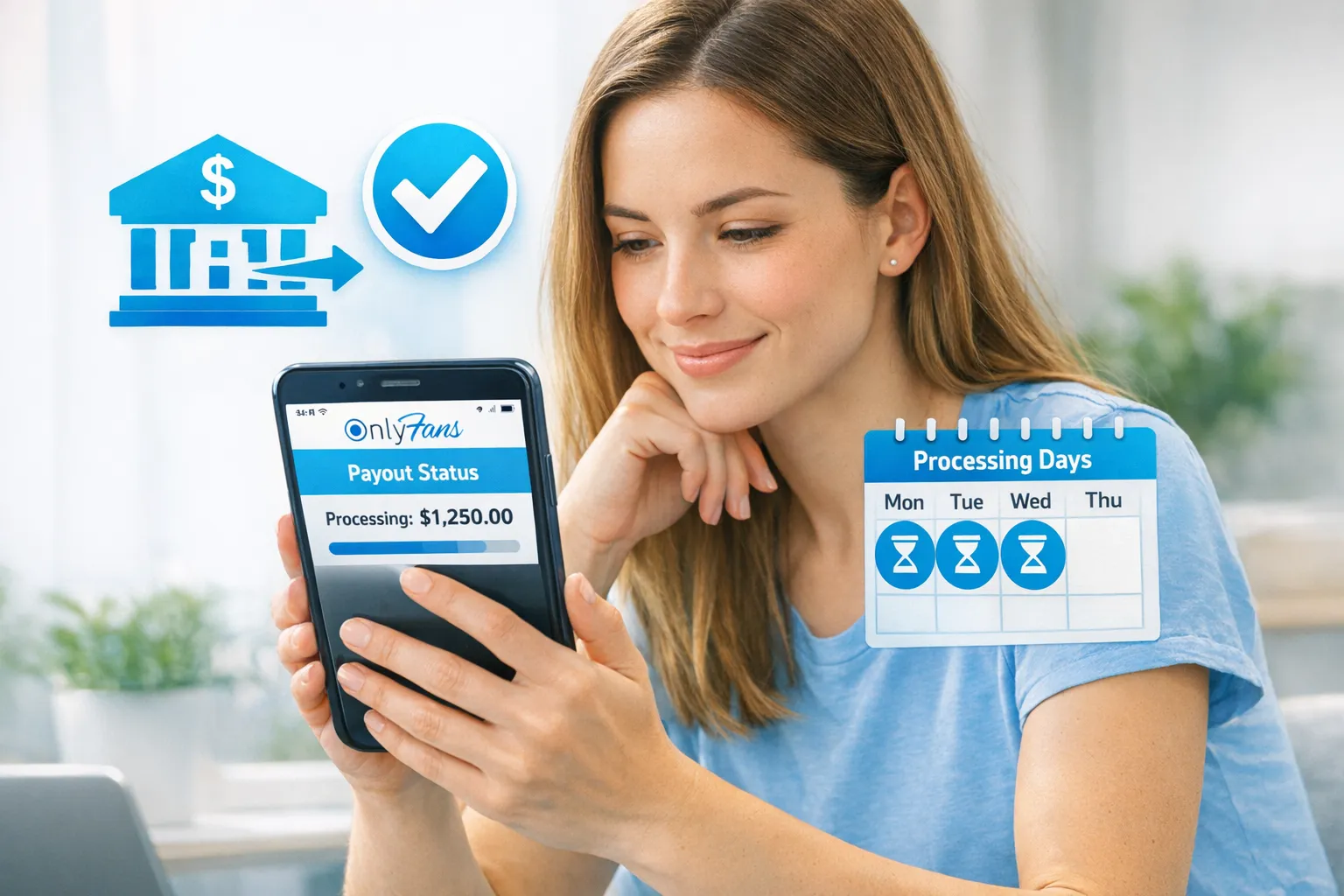
After you request the payout, you’ll usually see a status (for example: pending, processing, completed). Your bank may still take time to credit the funds even after it shows completed.
The “Mexico payout checklist” (use this before every withdrawal)
If you do nothing else, do this.
- Your payout name matches your verified legal name (spelling, last names, accents).
- Your CLABE is correct (18 digits).
- You know whether your bank requires SWIFT/BIC for incoming international transfers.
- Your bank account can receive international wires (some accounts have limitations).
- You aren’t relying on a payout you “need today” (build a buffer for processing time).
- You screenshot or save the payout confirmation for your records.
Common payout issues in Mexico (and what to do next)
Here’s the fastest way to diagnose the problem without spiraling.
| What you see | Most likely cause | What to do first |
|---|---|---|
| Payout is “processing” for longer than expected | Bank processing time, weekend/holiday, first payout, compliance checks | Wait one full business day, then re-check status and bank activity |
| Payout failed/rejected | Incorrect bank details (often CLABE), missing SWIFT/BIC, or account can’t accept wires | Verify details with your bank, then update payout method |
| No money received but status looks completed | Intermediary bank delay, bank posting delay, currency conversion hold | Contact your bank with incoming transfer details, ask about pending inbound wires |
| Repeated verification requests | Incomplete documents, mismatch, or new compliance review | Re-submit clearly, ensure names match exactly |
| Small amount received vs expected | Bank fees, intermediary fees, FX conversion | Ask bank what fees apply to incoming international transfers and conversion |
If your payout is delayed: a calm 30-minute troubleshooting flow
Use this sequence so you don’t create new problems by changing settings too fast.
1) Don’t edit your bank details mid-transfer
If you change payout details while something is already processing, you can create confusion about where funds should land.
2) Check for the simple stuff
- Is it a weekend or Mexican bank holiday?
- Is it your first withdrawal?
- Did your bank recently change anything (account type, limits, new card, new KYC rules)?
3) Confirm your bank can receive international transfers
Ask your bank support:
- “Can my account receive international wire transfers?”
- “Do I need a SWIFT code or intermediary bank details for incoming USD/EUR?”
- “Are there incoming transfer fees or holds?”
4) Use OnlyFans support if you see a clear failure
If the platform marks it as failed or rejected, you usually need platform support and corrected banking info.
Currency conversion and fees: what to expect (without the scary math)
If your payout arrives as a foreign-currency transfer or passes through intermediary banks, you can see:
- FX conversion at a rate set by banks or payment processors
- Incoming wire fees
- Intermediary bank fees
None of that is “you did it wrong,” but it’s why creators who withdraw more frequently sometimes feel like they’re bleeding money in small chunks.
If you’re planning your business cash flow, track:
- What you earned on OnlyFans
- What you withdrew
- What actually landed in MXN after fees
That tracking habit also helps massively at tax time.
Keep it private: safety tips for withdrawing in Mexico
A payout guide isn’t complete without privacy, because for many women creators, the fear is not the bank transfer, it’s being recognized.
A few reality-based reminders:
- Your payout and verification usually require your legal identity. Your stage name is branding, but it typically can’t replace legal/KYC info.
- If you’re worried about local visibility, use platform privacy tools like country blocking and keep your promo accounts separated from personal life.
If anonymity is part of your strategy, read: How to Secretly Promote Your OnlyFans (Without Friends or Family Finding Out).
Don’t ignore taxes and bookkeeping (quick, creator-friendly version)
Money management is what keeps “a good month” from turning into “why am I broke again?”
Set up a weekly routine where you log payouts, fees, and expenses (props, lighting, editing apps, outfits, travel). It’s not about being perfect, it’s about being consistent.
This is educational, not legal or tax advice. Policies and laws can change. Verify with official sources or a professional.
A simple system you can copy: OnlyFans Taxes: Weekly Habit to Stay Organized.
When it’s time to get help (and what kind of help you actually need)
If you’re withdrawing fine but your income feels unstable, your issue might not be payouts, it’s operations.
Here’s a quick decision framework:
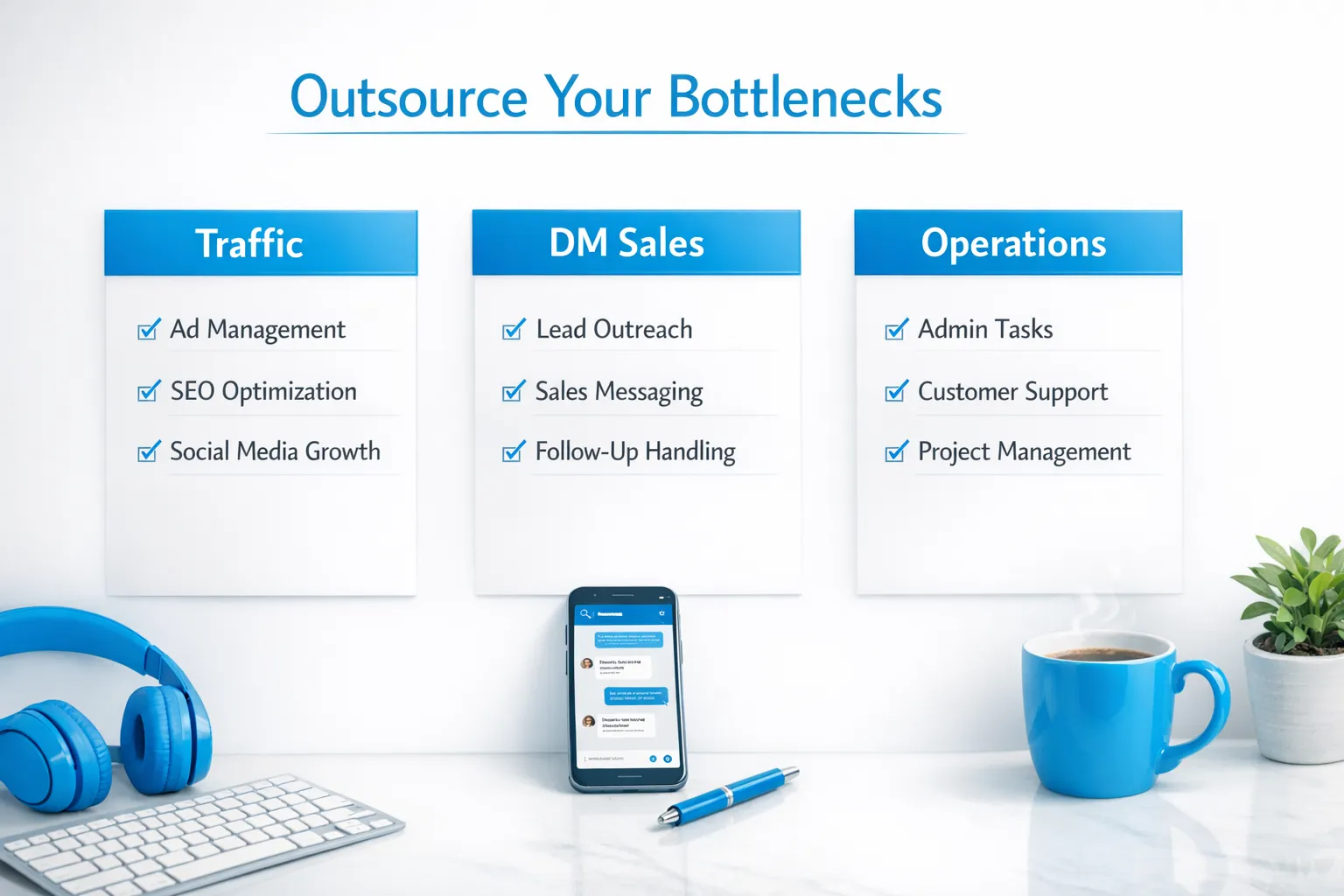
- If traffic is low: you need marketing and a multi-platform funnel.
- If subs are coming in but spending is low: you need a better DM sales flow, PPV strategy, and retention.
- If you’re overwhelmed: you need systems (and possibly a team) so you’re not glued to your phone 24/7.
If you’re deciding between staying solo versus outsourcing, this breakdown is helpful: Working With an Agency vs Running OnlyFans Alone.
Lookstars is an OnlyFans management agency that supports creators with marketing, fan engagement, privacy protection, and business management, so you can focus on content while a team handles the rest. If payouts are repeatedly getting stuck, we can also help you approach it the right way (clean setup, less guesswork, fewer avoidable errors), but no agency can “hack” banking rails or bypass verification.
Quick recap
Withdrawing money from OnlyFans in Mexico usually works smoothly when your identity and bank details are exact. Most delays come from CLABE/SWIFT mistakes, bank limitations on incoming wires, or normal processing windows.
If you want the safest approach: set up payouts once, document your details, withdraw on a schedule, and keep a small buffer so you’re never dependent on a same-day transfer.



Ready to transform your career?
Join hundreds of creators already earning six figures with Lookstars Agency.
Share this article
Best OnlyFans Agency
Europe's Leading OnlyFans Management Agency.

100% Free Ebook
Get our guide and unlock the secrets to OnlyFans success.
100% Free Ebook
Get our guide and unlock the secrets to OnlyFans success.
Free Revenue Calculator & Profile Analyzer
Try them for freeContinue reading...

Am I Attractive Enough for an OnlyFans Agency? The Answer

Can You Ever Fully Delete Your OnlyFans Content? The Reality
