I Got Banned On OnlyFans, What Now? A Complete Guide
Getting banned on OnlyFans can feel like your income got unplugged overnight. You’re not overreacting, it’s scary, and it’s also fixable in a lot of cases wh...

Getting banned on OnlyFans can feel like your income got unplugged overnight. You’re not overreacting, it’s scary, and it’s also fixable in a lot of cases when you respond calmly and strategically.
This guide is built for the “what now?” moment: what to do in the first hour, how to figure out why it happened, how to appeal without making things worse, and how to protect your business so one platform can’t take you down again.
First, breathe: “banned” can mean a few different things
Creators often say “banned,” but there are multiple account states that look similar. Before you do anything else, identify what you’re dealing with.
| What you’re seeing | What it usually means | What to do first |
|---|---|---|
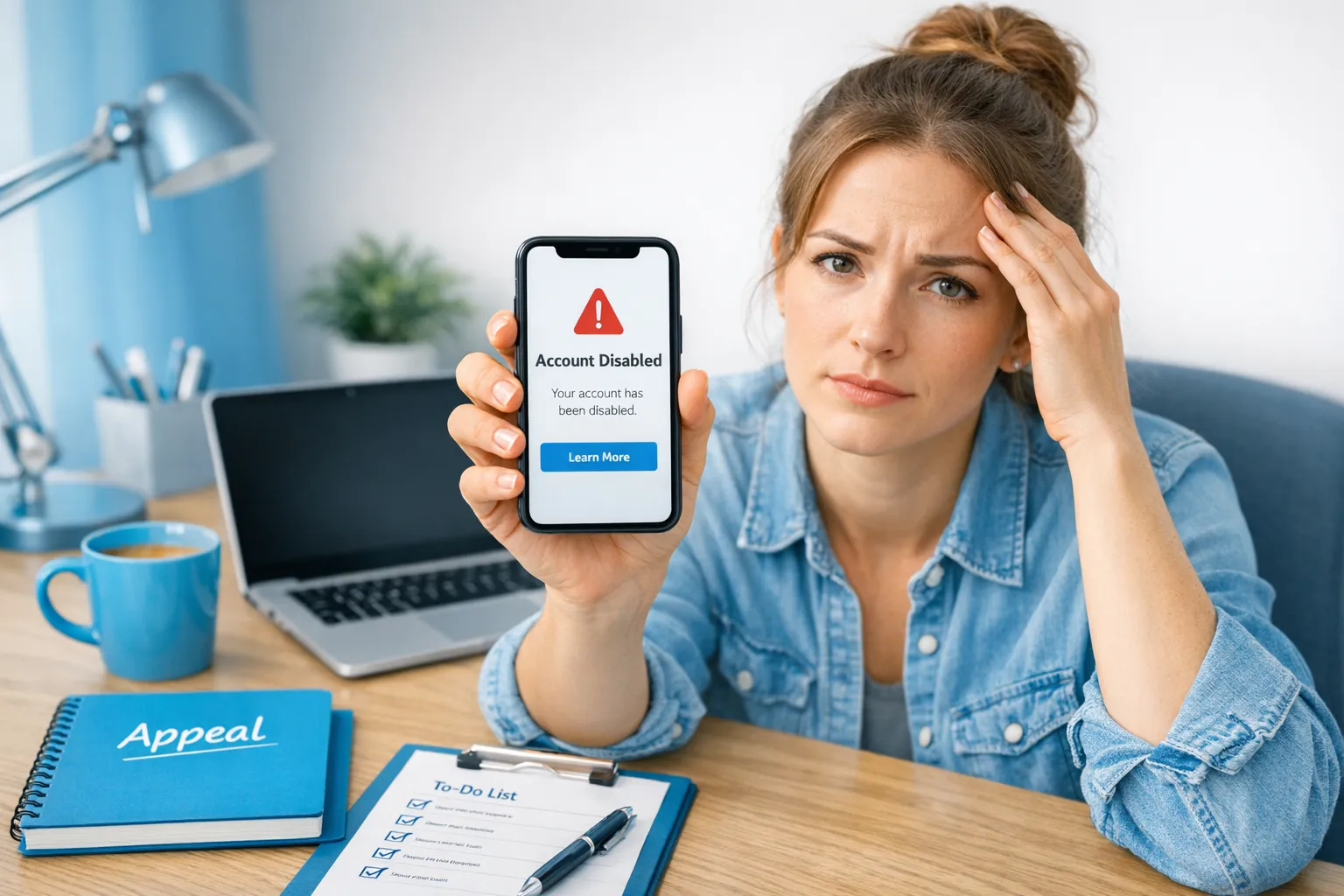
| You can’t log in, or it says the account is disabled | Account disabled or suspended | Check your email (including spam), screenshot the error, then contact support |
| You can log in but can’t post, message, or withdraw | Restricted or under review | Stop posting, review recent activity, contact support with details |
| Your payouts are stuck but everything else works | Payout hold, bank/KYC mismatch, or review | Don’t keep changing payout settings, gather payout details, contact support and your bank if needed |
| You were asked to re-verify | KYC / verification issue or security trigger | Re-verify through official flows only, avoid uploading mismatched documents |
OnlyFans policies and enforcement can change, so treat this as a response framework, then verify details in the official docs.
- OnlyFans Terms of Service
- OnlyFans Help Center
The first 60 minutes: your damage-control checklist
When creators panic, they usually do one of two things that backfires: they spam support with emotional messages or they try to “work around it” with a new account. You want to do neither.
Here’s the calm, practical first-hour checklist.
Do this immediately
- Stop posting, deleting, or editing content until you understand the reason. A sudden cleanup can look suspicious during a review.
- Screenshot everything: error messages, account status pages, payout screens, warning banners, and any emails you received.
- Check your email connected to OnlyFans (including spam and Promotions tabs) for the actual reason and timestamps.
- Secure your accounts:
- Change your email password first, then OnlyFans password.
- Enable 2FA where available.
- Log out of all sessions if you see that option.
- Write down your last 10 actions (last posts, DMs, mass messages, customs, collaborations, payout changes, login locations). This becomes your “case timeline” for support.
- If an agency/manager/chatter had access, revoke access and change passwords now (more on this below).
Do NOT do this
- Don’t create a new OnlyFans account to bypass a ban. That can worsen enforcement and make a later appeal harder.
- Don’t threaten legal action in your first message to support. Keep it factual.
- Don’t encourage subscribers to charge back. Chargebacks often create additional account risk.
- Don’t blast the situation publicly with accusations while you’re still trying to regain access. You can document privately.
Why OnlyFans accounts get banned (the most common buckets)
OnlyFans doesn’t always give super detailed explanations. Your goal is to identify the most likely bucket, then respond in a way that matches it.
1) Verification or identity mismatch
This can include failed verification, re-verification triggers, or details that don’t match (name, country, payment info).
What it often looks like:
- You’re asked to verify again.
- Payouts are delayed or halted.
- Your account is restricted “for review.”
Your best move:
- Use only official verification flows.
- Avoid submitting documents that don’t clearly match your account details.
2) Content or messaging that violates rules
Even experienced creators sometimes get caught by gray areas, especially with:
- Collaborations (documentation, consent, or release requirements)
- Content that includes prohibited themes
- DMs that suggest off-platform payment or prohibited services
Important: I’m not going to list “workarounds.” If you’re unsure, read the current platform rules and ask support for clarification.
3) Security triggers (suspicious logins, shared access, unusual activity)
This is very common when:
- Multiple people log in from different countries (agency, chatter, VA)
- You travel and log in from a new location
- You change payout details and passwords close together
If you outsource, this is one reason to keep operations professional and security-first.
4) Payments issues: chargebacks, fraud flags, payout route problems
Sometimes “banned” is actually a financial restriction.
If your issue is specifically payout-related, this guide can help you troubleshoot safely without making it worse: International payouts: how to avoid common delays.
5) Getting scammed (account takeover)
If someone promised “guaranteed growth,” asked for full login credentials, and then your account got restricted, you may be dealing with a scam or unsafe tactics.
If that feels familiar, read this before you hand access to anyone again: OnlyFans scam: how agencies, managers and chatters rob the creators.
A simple triage framework: traffic, content, identity, security, payments
When you’re stressed, it’s hard to think clearly. Use this mini-framework to narrow it down.
Ask yourself these 5 questions
- Identity: Did I recently re-verify, change legal details, or travel?
- Security: Did anyone else log in (agency, chatter, VA), or did I log in from a new device/location?
- Content: Did I post or send anything “borderline” recently, especially involving collaboration or explicit requests?
- Payments: Did I change payout settings, receive a chargeback, or see payout errors?
- Platform behavior: Did I get warnings before, or was it sudden with no notice?
Your support ticket should reflect your most likely category. A generic “why did you ban me??” message is easier to ignore.
How to contact OnlyFans support (without hurting your case)
The goal is to look like a responsible business owner who takes compliance and security seriously.
What to include in your first message
- Your account username and the email tied to the account
- The exact date/time the issue started (include timezone)
- What you see on screen (copy the wording)
- Attach screenshots
- A short timeline of recent relevant changes (verification, payout changes, travel, collaborators)
- A clear request: reactivation, clarification, or next steps
What not to include
- Long emotional paragraphs
- Blaming subscribers, competitors, or “haters” without evidence
- Multiple theories at once
Copy/paste: support appeal template (keep it factual)
You can paste this into your support ticket and customize it.
Subject: Account disabled/restricted, request for review and next steps
Hi OnlyFans Support,
My account (@yourusername) was disabled/restricted on (date/time, timezone). I’m requesting a review and guidance on the steps needed to resolve this.
- Email on the account: (your email)
- What I see on screen: (exact message)
- Screenshots attached: Yes
Recent relevant changes (last 7 days):
- (Example: payout method updated on Feb 10)
- (Example: logged in from a new device while traveling)
- (Example: collaboration posted on Feb 12)
I’m committed to following the Terms of Service. If any content or activity needs to be removed or clarified, please tell me what specifically needs to be corrected.
Thank you, (Your name)
If you worked with an agency/manager/chatter: do a security audit now
Outsourcing can be a great business decision, but shared access is also one of the most common ways creators get hurt (either accidentally or intentionally).
Quick access and security checklist
- Change OnlyFans password and email password
- Turn on 2FA
- Remove any saved passwords from shared devices
- Review connected email forwarding rules (hackers love these)
- Ask anyone who had access to confirm:
- Where they logged in from
- What tools they used
- What they sent in DMs (especially anything that could violate platform rules)
If you’re considering hiring help again, use these two resources to vet properly:
- 6 red flags to watch out for before signing with an OnlyFans agency
- Working with an agency vs running OnlyFans alone
What to do if the ban is permanent: build an income recovery plan
Sometimes the outcome is “no.” If that happens, you still have options, but you need to switch from panic to business mode.
Step 1: protect your audience and your brand assets
- Download and organize your content library (if you still have access). Sort into folders by theme, set, and date.
- Save your customer insights: top buyers, best-selling PPVs, what converts, what niches perform.
- Document your promo channels: Reddit accounts, X (Twitter), TikTok, Instagram, link-in-bio pages, email list.
Step 2: move to a platform-diversification strategy
Relying on a single platform is fragile. Many creators run 2 to 3 platforms to reduce risk.
You can explore alternatives and how they differ here: Where to sell adult content & nudes to make money (top platforms).
Step 3: rebuild your funnel (without rushing)
If your traffic was mostly external (Reddit/X/TikTok), rebuilding is often faster than you think. If your traffic was mostly internal or you had minimal promo, it may take longer.
If privacy is part of your strategy (or your safety), this guide is worth revisiting before you rebuild: How to secretly promote your OnlyFans (without friends or family finding out).
Preventing the next ban: a “boring” system that protects your income
Most “ban-proofing” isn’t a hack. It’s boring, repeatable hygiene.
Your monthly compliance and safety routine
- Review the platform’s current rules and update your “do not post” list
- Keep collaboration documentation organized (and accessible)
- Audit account security (passwords, 2FA, devices)
- Keep payout and identity details consistent and up to date
- Track what you post and when (so you can reference it if support asks)
Your weekly operations routine (so you’re never scrambling)
Income interruptions are easier to survive when your finances are organized.
This is educational, not tax advice. Policies and laws can change. Verify with official sources or a professional.
A simple system to stay organized: OnlyFans taxes: weekly habit to stay organized.
When you should get help (and when you shouldn’t)
A ban situation is not the time to hire the first “expert” who slides into your DMs.
Getting help makes sense if
- You can’t identify the likely cause and you’re afraid of making it worse
- You outsourced and suspect unsafe access or tactics
- You want a multi-platform setup so your income is not single-point-of-failure
- You’re already earning and the cost of downtime is high
It might not be the right time if
- You want someone to “bypass” verification or platform rules (don’t)
- You don’t have control of your content boundaries yet
- You’re not ready to share any access with a professional team
If you want a safer, more professional setup going forward
Lookstars is an OnlyFans management agency that supports creators with marketing and fan growth, 24/7 fan chatting, posting strategy, leak protection (including DMCA takedowns), and privacy setups like country blocking.
If you’re coming out of a ban or restriction, the most valuable outcome is usually building a system that reduces your platform risk: tighter security, cleaner operations, and diversified income streams, so one enforcement event doesn’t erase your month.
You can learn what working with management actually looks like here: What can an OnlyFans manager really do for you?
The bottom line
A ban is a business emergency, but it doesn’t have to become a business-ending event.
Handle it in this order:
- Stabilize (screenshots, security, timeline)
- Diagnose (identity vs security vs content vs payments)
- Appeal (factual, organized, specific)
- Diversify (so you’re not dependent on one platform)
If you want, tell me what message you’re seeing (disabled vs restricted vs payout hold) and whether anyone else had access, and I’ll help you choose the safest next step.


Ready to transform your career?
Join hundreds of creators already earning six figures with Lookstars Agency.
Share this article
Best OnlyFans Agency
Europe's Leading OnlyFans Management Agency.
100% Free Ebook
Get our guide and unlock the secrets to OnlyFans success.
100% Free Ebook
Get our guide and unlock the secrets to OnlyFans success.
Free Revenue Calculator & Profile Analyzer
Try them for freeContinue reading...
Am I Attractive Enough for an OnlyFans Agency? The Answer
Can You Ever Fully Delete Your OnlyFans Content? The Reality