How to Withdraw Money from OnlyFans in Spain
Withdrawing your earnings should feel simple, but the first time you cash out from OnlyFans in Spain it can be weirdly stressful: “Did I set it up right?”, “...

Withdrawing your earnings should feel simple, but the first time you cash out from OnlyFans in Spain it can be weirdly stressful: “Did I set it up right?”, “Will my bank reject it?”, “Why is it still pending?”
This guide walks you through how to withdraw money from OnlyFans in Spain in a calm, practical way, with the setup steps, the common problems Spanish creators run into, and a simple routine that makes payouts predictable.
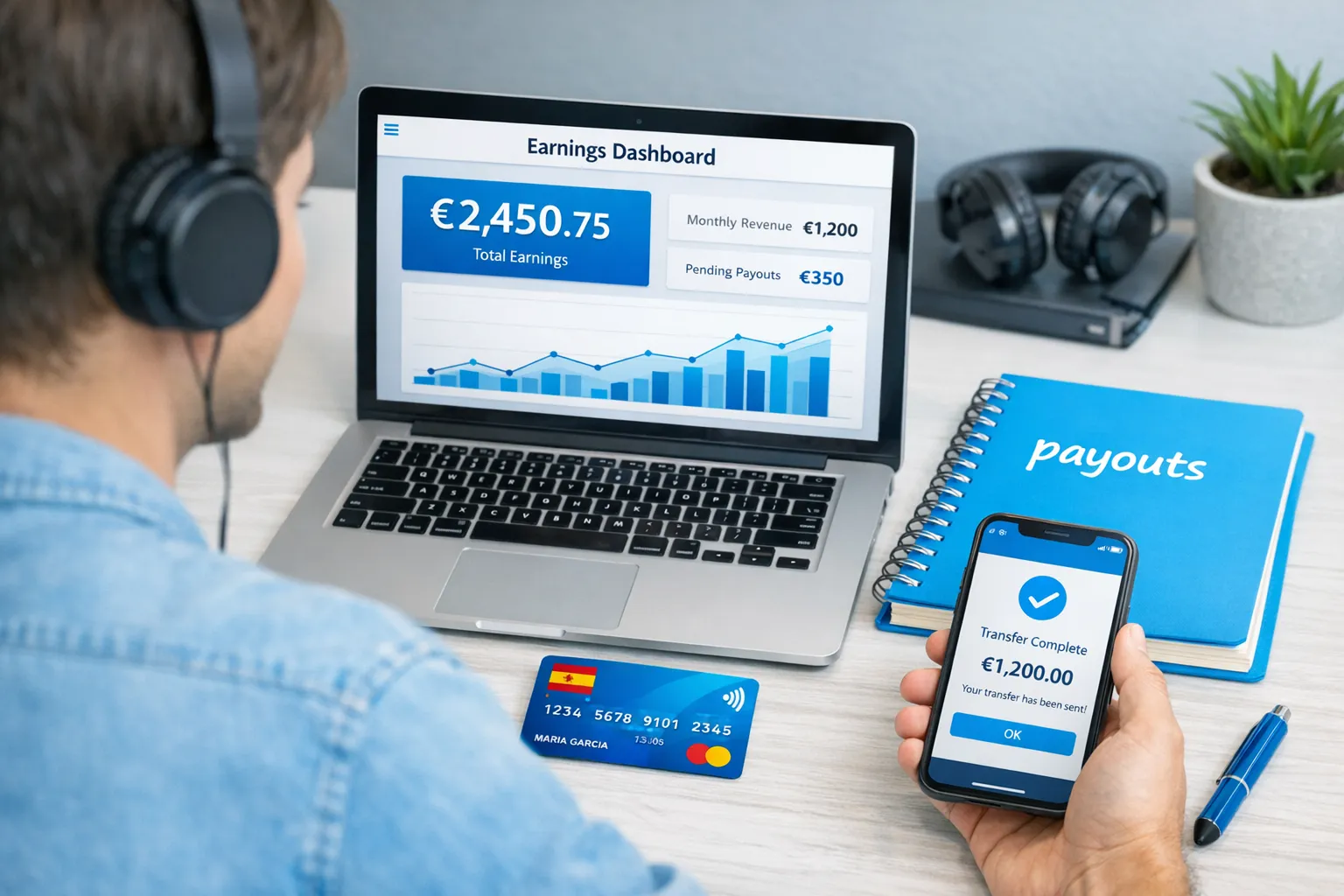
Before you withdraw: a 3-minute readiness check
Most payout issues are not “OnlyFans stole my money”, they’re basic setup mismatches (identity, bank details, security) that cause delays.
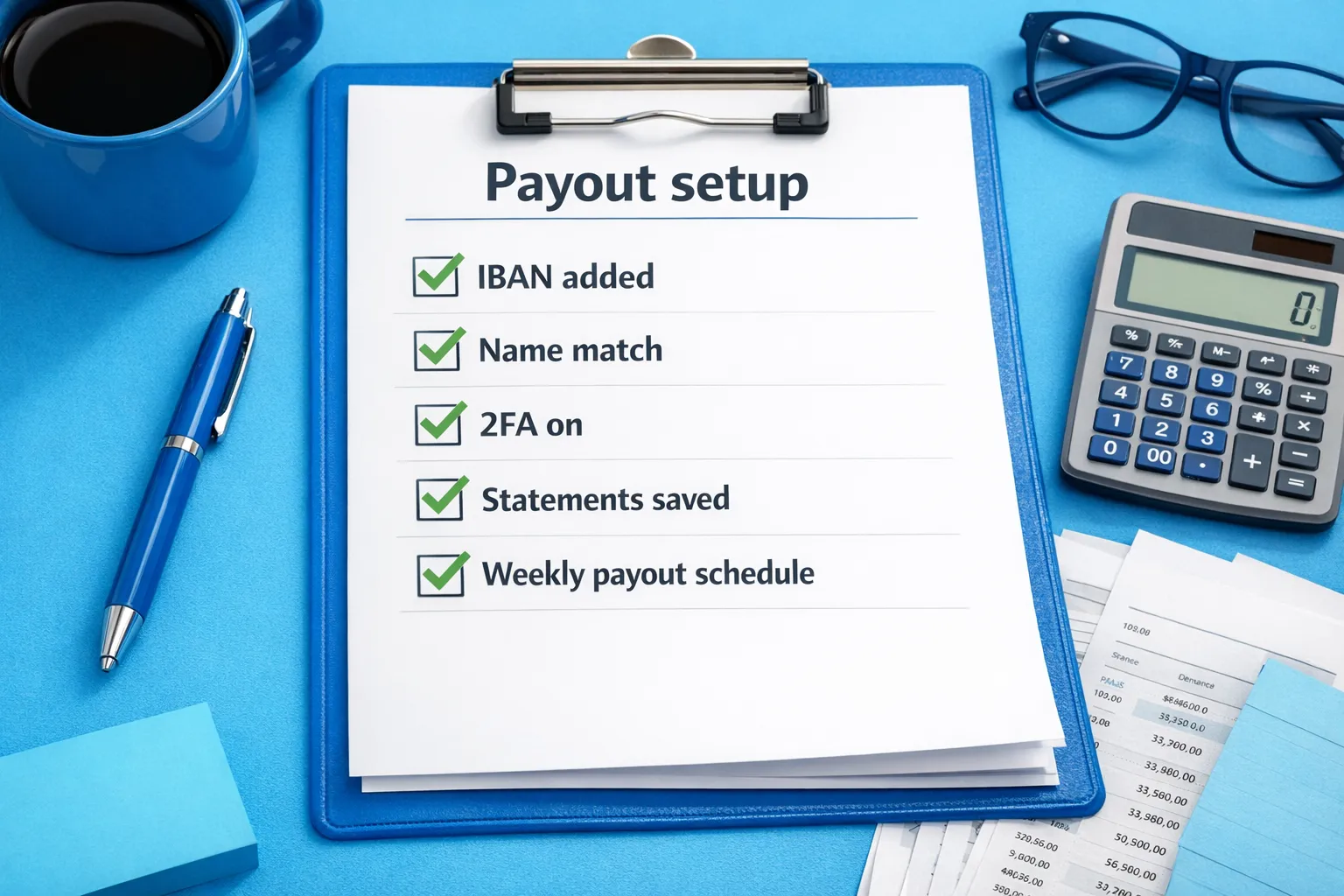
Use this quick checklist before you request anything:
- Your creator account is fully verified (identity and any required creator onboarding steps). If verification is incomplete or under review, withdrawals can fail or stay pending.
- Your payout profile name matches your legal name (the same name your bank account is under). Even small differences can trigger rejections.
- Your bank details are correct for Spain (especially IBAN, and BIC/SWIFT if requested).
- You have enough “available balance” to request a payout. The minimum threshold can vary by method and can change, so always verify in your payout screen.
- 2FA and account security are enabled (strong password, 2FA, secure email). This reduces payout interruptions due to account flags.
If you are brand new and still setting up your account end-to-end, start here first: How to Start, Create & Verify Your OnlyFans Account.
Payout methods in Spain: what you might see (and what to pick)
OnlyFans payout options can vary by region, creator profile, and payment provider changes. The safest approach is: open your Payouts/Banking settings and choose from the methods shown there.
That said, most creators in Spain generally aim for an option that is stable, bank-friendly, and easy to reconcile for accounting.
| Payout option (what you may see) | Best for | What you’ll need | Common pain points |
|---|---|---|---|
| Bank transfer to a Spanish IBAN (SEPA) | Most Spain-based creators who want clean bookkeeping | IBAN (and sometimes BIC/SWIFT), matching legal name | Name mismatch, typo in IBAN, delays due to bank compliance checks |
| International bank transfer (wire) | If SEPA is not available on your account | Full banking details, sometimes more fields | Higher bank fees, more delays, more “where is it?” stress |
| Third-party payout provider (if offered in your dashboard) | If you want separation from your main bank | Provider account, matching identity | Extra verification, provider fees/limits, more moving parts |
How to choose (simple decision rule):
- If you want the least complicated setup in Spain, start with bank transfer to IBAN.
- If privacy is a major concern, consider using a separate bank account dedicated to creator income (more on this below).
- If your bank repeatedly blocks or returns the transfer, a different bank (or a separate account) is often a cleaner fix than endlessly resubmitting payout requests.
Step-by-step: how to withdraw money from OnlyFans in Spain
The exact menu labels inside OnlyFans can change over time, but the flow is basically the same: add payout method, confirm details, request payout, track status.
Step 1: Add (or confirm) your payout method
- Log in to OnlyFans.
- Go to your Settings and look for a section like Banking, Payouts, or Payment.
- Choose your payout method (for most Spain creators, this is a bank transfer).
- Enter your details carefully:
- Account holder name (legal name)
- IBAN (Spain starts with ES)
- BIC/SWIFT (only if requested)
- Save.
Practical tip: copy your IBAN directly from your bank app, then double-check the first and last 4 characters before saving.
Step 2: Check your available balance
OnlyFans typically shows different balances (for example, “pending” vs “available”). You can only withdraw what’s marked as available.
If your balance is not available yet, it may be within a processing window (for example, after a subscriber payment clears) or affected by account verification status.
Step 3: Request the payout
- Go to the payout request screen (often inside Statements or Payout Requests).
- Enter the amount you want to withdraw.
- Confirm.
If you want clean accounting, request payouts on consistent days (for example, weekly) and keep a simple ledger. It will save you headaches later.
Step 4: Track the payout status
Watch for status changes like pending, processing, or paid/sent.
If it’s marked paid/sent but not in your bank yet, the transfer can still be moving through the banking system. If it’s stuck on pending for an unusually long time, go straight to the troubleshooting section below.
Common payout problems for creators in Spain (and the fastest fixes)
Problem 1: “My payout is pending” for too long
Most of the time, this is caused by:
- incomplete verification
- a security review (for example, unusual login activity)
- bank details needing correction
What to do:
- Confirm your verification status.
- Check your email (including spam) for any payout-related requests.
- If everything looks correct, contact support with a clear message (template below).
Problem 2: Bank transfer rejected or returned
The top causes:
- name mismatch (your OnlyFans payout profile vs your bank account)
- wrong IBAN/BIC
- bank compliance filters (some banks are more sensitive than others)
Fast fixes:
- Make your payout profile name match your bank’s legal name exactly.
- Re-enter your bank details carefully.
- If you get repeated returns, consider using a different bank account dedicated to creator income.
Problem 3: “I withdrew, but the amount is lower than expected”
This can happen due to:
- platform fees (OnlyFans takes a commission on creator earnings)
- banking fees (your bank may charge receiving fees, especially if the transfer is not processed as a standard SEPA credit transfer)
- currency conversion or intermediary fees (depending on the payout route)
What to do:
- Compare the payout amount to your statements inside OnlyFans.
- Ask your bank if any receiving fees were taken.
- If you’re seeing consistent, unexplained differences, keep screenshots and contact support.
Problem 4: “OnlyFans won’t let me add my bank details”
Common reasons:
- unsupported payout option for your account type/region
- formatting errors (spaces, wrong characters)
- browser issues
What to do:
- Try a different browser or device.
- Remove spaces from IBAN.
- If the method is not visible anymore, it may have been changed by the platform or provider. Use the options shown in your dashboard.
A simple payout routine (so you’re not stressed every time)
Creators who feel “stable” financially usually do two boring things consistently: they separate money and they track it.
Here’s a routine that works well in Spain:
1) Choose a payout cadence you can manage
Weekly is common because it’s easy to budget, but pick what fits your life. The point is consistency.
2) Split your income the day it arrives
A simple rule of thumb (adjust to your situation):
- Put aside a portion for taxes and social contributions (details vary a lot by your setup).
- Put aside a portion for business costs (lighting, phone, editing apps, outfits, travel, etc.).
- Keep the rest as personal income.
3) Keep a “proof folder” for every payout
Save:
- payout confirmation screenshot
- bank receipt
- monthly statement exports
This is especially helpful if you ever need to explain income to a bank, landlord, or accountant, and it makes taxes easier.
Spain-specific note: taxes and accounting (educational, not advice)
If you earn money on OnlyFans while living in Spain, you may have tax obligations (and potentially other reporting requirements) depending on your residency and how you operate.
This is educational, not legal or tax advice. Policies and laws can change. Verify with official sources or a professional.
At minimum, track these every month:
| What to track | Why it matters | Where to find it |
|---|---|---|
| Gross earnings (before deductions) | Helps you calculate true revenue | OnlyFans statements |
| Platform fees/commission | Business expense visibility | OnlyFans statements |
| Refunds/chargebacks (if any) | Explains month-to-month swings | Statements/notifications |
| Bank fees and conversion differences | Explains net payout discrepancies | Bank statement |
| Dates of payouts received | Cash-basis bookkeeping and budgeting | Bank statement |
For official Spanish tax information, start with the Agencia Tributaria (AEAT) or speak to a local gestor.
Privacy in Spain: keep withdrawals from messing with your real life
Even if you’re totally confident in what you do, you can still want privacy (from family, coworkers, or just nosy people).
A few practical options that don’t require anything sketchy:
- Use a separate bank account for creator income (it reduces accidental oversharing and keeps bookkeeping clean).
- Lock down your OnlyFans account security (2FA, secure email, no shared devices).
- Use OnlyFans privacy tools like country blocking and tighten your online footprint.
If anonymity is your priority, this walkthrough is worth reading: How to Secretly Promote Your OnlyFans (Without Friends or Family Finding Out).
If you’re getting paid but still feel “messy”: what to fix next
A lot of creators can withdraw just fine, but still feel like the business side is chaotic:
- inconsistent income because marketing is random
- too many DMs, not enough time
- no tracking, so you don’t know what promo actually converts
Two resources that help you tighten the system:
- OnlyFans Tracking Links Guide: Track Clicks, Subs & Traffic Sources
- How to Sell Content on OnlyFans: A Step-by-Step Guide
Support ticket template (copy/paste)
If your payout is delayed or returned, you’ll save time by sending support a clean, complete message.
Subject: Payout issue (Spain) – payout [pending/returned/not received]

Hi Support,

I’m a creator based in Spain. I requested a payout on [date] for [amount].
Current status shown in my account: [pending/processing/paid].
Payout method: [bank transfer / other option shown in my dashboard].

What I’m seeing:
- [Brief description of the problem]

What I’ve already checked:
- Verification status: [verified / in review]
- Bank details: [confirmed correct IBAN and account holder name]

Please advise whether this payout needs additional verification, if it was returned, or if there’s an issue with my payout method.

Thank you,
[Your creator username]
When it makes sense to get help (and when it doesn’t)
If the only thing you needed was “how do I withdraw”, you probably don’t need an agency.
But if you’re:
- consistently earning and want to scale without burning out
- tired of handling DMs and upsells yourself
- dealing with leaks, impersonation, or privacy worries
- trying to expand beyond OnlyFans to other platforms
…management can make the business side smoother.
Lookstars supports creators with marketing, 24/7 fan chatting, posting strategy, leak protection, and privacy setup (with no upfront costs and flexible, cancel-anytime contracts). If you want to explore that route, start with: Lookstars OnlyFans Agency.



Ready to transform your career?
Join hundreds of creators already earning six figures with Lookstars Agency.
Share this article
Best OnlyFans Agency
Europe's Leading OnlyFans Management Agency.

100% Free Ebook
Get our guide and unlock the secrets to OnlyFans success.
100% Free Ebook
Get our guide and unlock the secrets to OnlyFans success.
Free Revenue Calculator & Profile Analyzer
Try them for freeContinue reading...

Am I Attractive Enough for an OnlyFans Agency? The Answer

Can You Ever Fully Delete Your OnlyFans Content? The Reality
