How to download the OnlyFans App in 2026: Full Guide
If you’ve been searching “OnlyFans app download,” you’re not alone. The confusing part is that most “OnlyFans apps” you’ll see advertised are not official (a...
If you’ve been searching “OnlyFans app download,” you’re not alone. The confusing part is that most “OnlyFans apps” you’ll see advertised are not official (and can be risky). The safest way in 2026 is still to use OnlyFans in your mobile browser, then install it to your phone like an app (a web app shortcut).
This guide walks you through the clean, secure way to do it on iPhone and Android, plus the exact red flags to avoid.
Is there an official OnlyFans app in 2026?
As of early 2026, OnlyFans is primarily accessed through the web at the official site, and many creators and fans use a web app install (Add to Home Screen) to get an “app-like” experience.
That matters because it changes what “download the OnlyFans app” should mean:
- If someone tells you to download an APK, a “mod,” or a random App Store clone, treat that as a security risk.
- If you install OnlyFans the official way, you’re basically creating a secure shortcut to the real website on your phone.
If you want to double-check you’re on the correct domain, start from the official site: OnlyFans.
The 3 ways to use OnlyFans on mobile (and which one to pick)
Most people end up using one of these options:
| Option | What it is | Pros | Cons | Best for |
|---|---|---|---|---|
| Mobile browser | Safari/Chrome visits onlyfans.com | No setup, always current | Easier to lose tabs, less “app-like” | Quick logins, occasional use |
| “Add to Home Screen” web app (PWA-style) | A home screen icon that opens OnlyFans in a dedicated window | Feels like an app, faster access, cleaner workflow | Still web-based, behavior varies by device/OS | Daily use (creators + fans) |
| OFTV (separate product) | A separate, SFW streaming experience in some app stores | Can be useful for promotion | Not the same as the main OnlyFans experience | Creators using OFTV as marketing |
For most creators, the sweet spot is Add to Home Screen because it’s fast and reduces friction for day-to-day DMs and posting.
How to download the OnlyFans app on iPhone (the safe 2026 method)
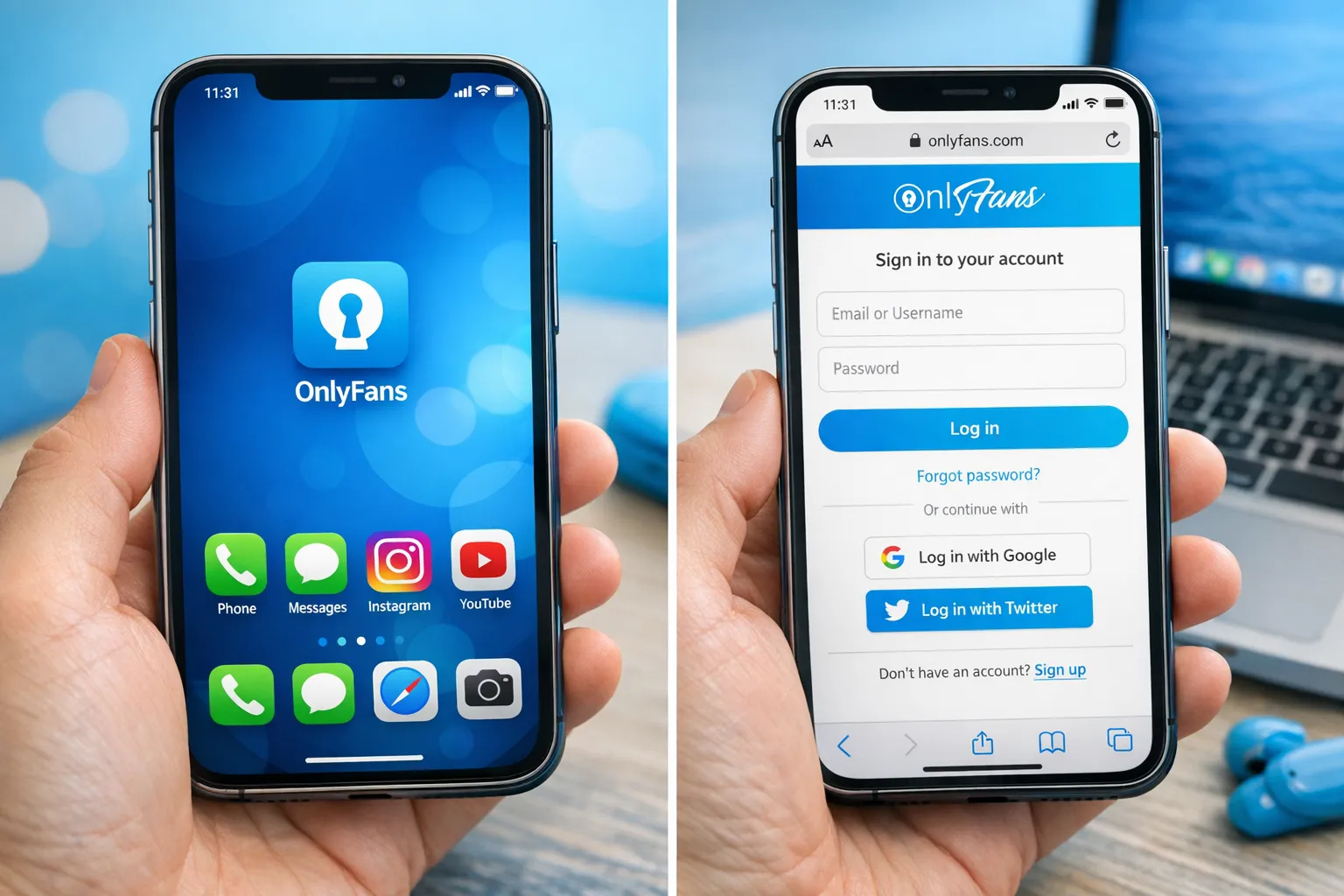
On iPhone, you’ll typically use Safari and add OnlyFans to your home screen.
Step-by-step (iPhone / iPad)
Step 1: Open Safari and go to the official site. Type the domain manually the first time if you’re being extra cautious.
Step 2: Log in (or create your account). If you’re brand new, start here: How to Start, Create & Verify Your OnlyFans Account.
Step 3: Tap the Share icon in Safari. It’s the square with the arrow (usually at the bottom).
Step 4: Select “Add to Home Screen.” If you don’t see it immediately, scroll down the share sheet options.
Step 5: Rename it (optional) and tap “Add.” You’ll now have an OnlyFans icon on your home screen that opens in an app-like view.
Quick iPhone troubleshooting
If “Add to Home Screen” isn’t showing:
- Make sure you’re using Safari (some options behave differently in other browsers on iOS).
- Update iOS if you’re on an older version.
- Try again from the page after you fully load it and log in.
How to download the OnlyFans app on Android (the safe 2026 method)
Android typically makes web app installs even easier via Chrome.
Step-by-step (Android)
Step 1: Open Chrome and go to onlyfans.com. Log in.
Step 2: Tap the 3-dot menu (top-right).
Step 3: Tap “Install app” or “Add to Home screen.” Wording varies by device.
Step 4: Confirm the install. Android will add an icon to your home screen or app drawer.
Android troubleshooting
If you don’t see “Install app”:
- Try “Add to Home screen” instead.
- Clear cache for Chrome (only if you’re comfortable doing so).
- Make sure you’re not in an incognito/private tab.
The safety checklist: how to avoid fake OnlyFans apps (and protect your account)
The biggest risk around “downloading the OnlyFans app” is downloading something that isn’t OnlyFans.
Here’s a creator-safe checklist.
Green flags (safe)
- You are on onlyfans.com in a browser.
- You install via Add to Home Screen or Chrome’s Install app option.
- Your login page looks clean and consistent, and you don’t get forced popups asking for extra downloads.
Red flags (do not install)
- “Download OnlyFans Premium APK” or anything that promises free paid content.
- Any “OnlyFans” app asking for:
- your password outside the official site
- your 2FA codes
- remote access to your phone
- A link that starts with an ad-heavy redirect chain, or a domain that is not onlyfans.com.
- Someone in DMs “helping you install the app” and asking you to share screens or codes.
If you want a deeper safety read (especially if you’ve been approached by a “manager” or “agency” offering to set things up for you), start here: OnlyFans Scam: How Agencies, Managers and Chatters Rob the Creators.
After you install it: privacy and security settings worth doing today
This isn’t legal advice, just practical safety. Policies and features can change, so if any menu labels differ on your device, check the official help documentation inside your OnlyFans settings.
1) Lock down your phone first (fast win)
- Enable Face ID/Touch ID or a strong PIN
- Turn on auto-lock (short timer)
- Review lock-screen notification previews (especially if you’re hiding your work from family/roommates)
2) Secure your OnlyFans login
- Use a unique password (a password manager helps)
- Turn on 2-factor authentication if available in your account settings
- Avoid logging in on shared devices
3) Reduce “real life” discovery risk
If staying private matters to you, these basics are worth revisiting:
- Use a stage name and separate email
- Keep your creator socials separate from personal socials
- Use geo/country blocking options if they’re available to you in settings
For a full anonymity-focused playbook: How to Secretly Promote Your OnlyFans (Without Friends or Family Finding Out).
Common login problems (and what usually fixes them)
If you installed the web app and it’s glitchy, don’t panic. These are the most common causes:
“It keeps logging me out”
- Make sure cookies are enabled in your browser settings.
- Avoid “private browsing” for your OnlyFans sessions.
“Blank page” or “won’t load”
- Switch networks (Wi-Fi to data) to rule out a network block.
- Close the web app window and reopen it.
- Update your phone OS and browser.
“I’m not getting notifications”
Web app notifications depend on device and OS support, plus your notification settings. If notifications are important to your income (fast replies matter), you can also build a habit of checking DMs at set times daily.
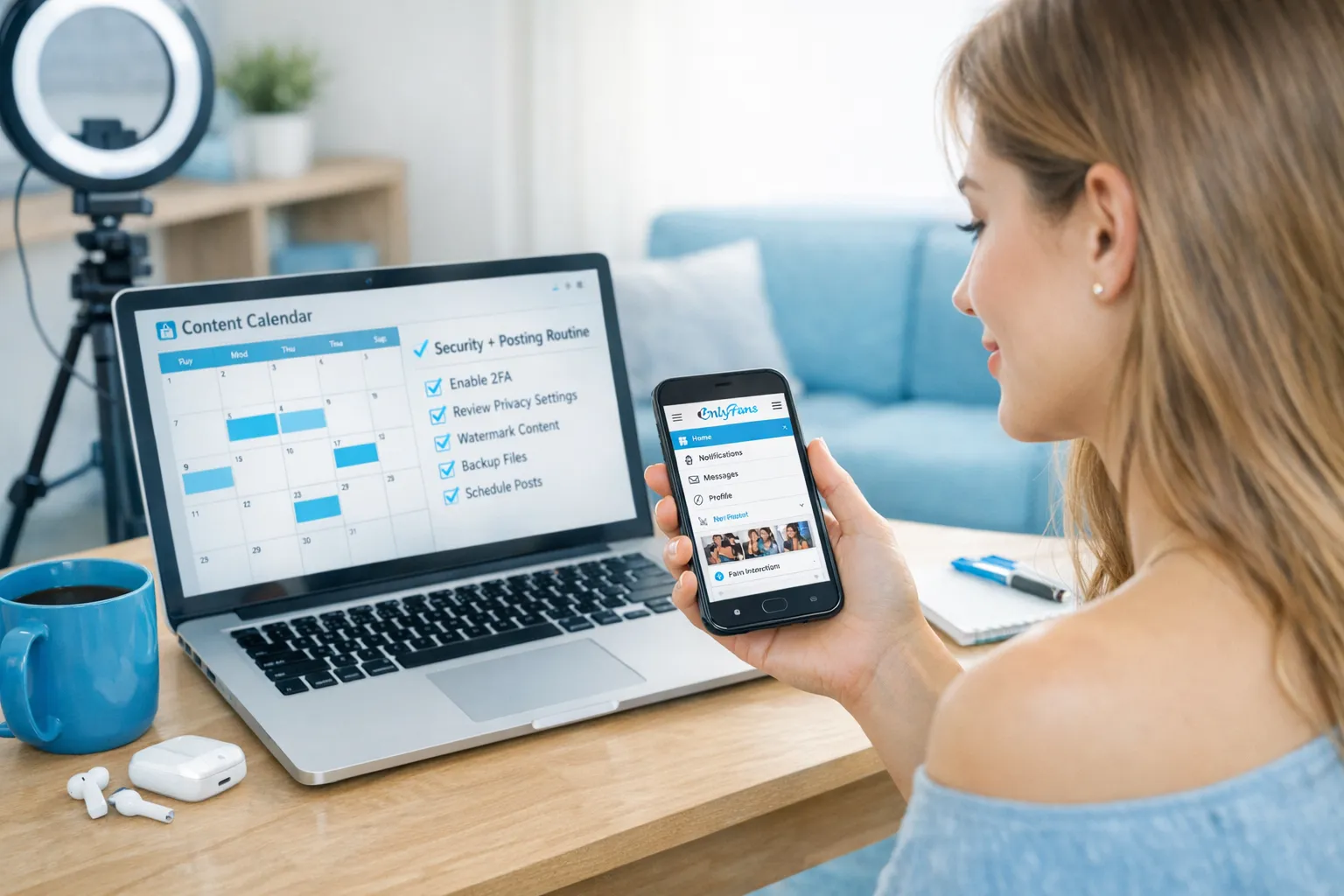
Creator tip: turn the web app into a simple daily workflow
If you’re a creator, “having the app” isn’t just convenience, it’s about reducing friction so you actually do the revenue-driving tasks.
Here’s a realistic routine that works even if you’re busy:
The 15-minute “OnlyFans mobile power block”
- Check DMs and respond to your warmest conversations first
- Send 1 thoughtful upsell message to your most engaged fan (keep it human)
- Post 1 small piece of retention content (even a teaser or check-in)
- Screenshot or note 1 idea for tomorrow’s content
If you want to get more strategic with what converts (instead of guessing), tracking links are a huge unlock: OnlyFans Tracking Links Guide: How to Track Clicks, Subs & Traffic Sources.
When “downloading the app” turns into a bigger decision (solo vs support)
Sometimes the real reason creators search for the app is because they’re overwhelmed and hoping an “app” will make the business easier.
If you’re at the point where:
- DMs are eating your day
- you’re posting but growth is flat
- leaks and privacy stress are distracting you
…it might not be an app problem, it might be an operations problem.
This guide helps you decide realistically: Working With an Agency vs Running OnlyFans Alone.
If you want help setting up a privacy-first, growth-focused system
Lookstars is an OnlyFans management agency that supports creators with marketing, fan engagement, and leak/privacy protection, without upfront costs or long-term contracts (so you’re not trapped if it’s not a fit).
If you want to explore what support could look like for your account, start here: Lookstars OnlyFans Agency.



Ready to transform your career?
Join hundreds of creators already earning six figures with Lookstars Agency.
Share this article
Best OnlyFans Agency
Europe's Leading OnlyFans Management Agency.

100% Free Ebook
Get our guide and unlock the secrets to OnlyFans success.
100% Free Ebook
Get our guide and unlock the secrets to OnlyFans success.
Free Revenue Calculator & Profile Analyzer
Try them for freeContinue reading...

Am I Attractive Enough for an OnlyFans Agency? The Answer

Can You Ever Fully Delete Your OnlyFans Content? The Reality
