Refund Requests: Scripts That Protect You and Revenue
Refund requests are one of those “I did everything right… why is this happening?” moments. They can feel personal, especially when you put real time and vuln...
Refund requests are one of those “I did everything right… why is this happening?” moments. They can feel personal, especially when you put real time and vulnerability into your content.
The good news is you can handle refund requests in a way that’s calm, professional, and protective of your income, without sounding cold or “customer service robot.” This guide gives you a simple decision framework and copy-paste scripts for the most common situations.
Important note: OnlyFans policies and payment rules can change. This is practical creator guidance, not legal advice, and you should verify details in OnlyFans Support when you’re unsure.
Why refund requests happen (and why most aren’t about you)
Most refund requests fall into a few predictable buckets:
- Renewal surprise: someone forgot they had rebill on, or didn’t understand the billing cycle.
- Expectation mismatch: they assumed PPV was included in sub price, or expected a specific type of content.
- Delivery confusion: they think they “didn’t receive” a PPV or custom (often it’s buried in DMs, expired access, or they didn’t open it).
- Buyers’ remorse: they spent when horny, then regret it.
- Bad-faith pressure: “refund me or I’ll chargeback,” or they try to guilt you into free content.
Your goal is not to win an argument. Your goal is to:
- Keep the conversation safe and respectful.
- Protect revenue and boundaries.
- Reduce the chance the fan escalates into a dispute.
- Preserve the relationship when the fan is actually worth keeping.
The Refund Triage Framework (decide what to do in 60 seconds)
Before you reply, answer these three questions:
1) What exactly are they asking to refund?
- Subscription renewal
- A specific PPV message
- A custom order
- A tip
2) Is this a good-faith fan or a high-risk fan?
Good-faith signals:
- Polite tone
- Clear details (date, amount, what they bought)
- They’re open to a solution that isn’t a refund
High-risk signals:
- Threats (“I’ll report you / chargeback”)
- Insults, coercion, or sexual harassment
- “I didn’t get it” but refuses to share a screenshot
- Repeated refund demands
3) What outcome protects you best?
You usually have three safe lanes:
- Educate + resolve (best for good fans with confusion)
- Offer a replacement (best when you can easily deliver value without cash leaving)
- Close the loop + direct to support (best for renewal disputes, payment disputes, or aggressive fans)
Here’s a quick decision table you can save:
| Situation | Risk level | Best goal | What to avoid |
|---|---|---|---|
| “I forgot rebill was on” | Low to medium | De-escalate and keep them happy | Promising you can “force” a refund |
| “I paid for PPV but didn’t get it” | Low | Troubleshoot and re-send | Accusing them of lying |
| “Custom is late” | Medium | Confirm timeline, offer options | Over-explaining or apologizing forever |
| “Refund me or I’ll chargeback” | High | Keep it short, point to support | Negotiating under threat |
| “This isn’t what I expected” | Medium | Clarify what was purchased, offer alt | Changing your boundaries to keep them |
Refund scripts that protect you (copy-paste)
These scripts are written to do three things: validate feelings, clarify facts, and move to a safe outcome.
Script 1: Renewal surprise (subscription)
Use when they say they didn’t mean to renew.
Message:
“Hey love, I hear you. Renewals can catch people off guard sometimes.
I don’t want you stressed about it. I’m not able to manually reverse billing on my side, but you can contact OnlyFans Support to review the charge.
If you’d still like to stay, I can also switch you to rebill off so it doesn’t happen again. What would you prefer?”
Why it works:
- You validate without admitting wrongdoing.
- You don’t promise a refund.
- You offer a retention option that keeps control in your hands.
Script 2: “I didn’t receive the PPV” (delivery confusion)
Message:
“Totally get it. Quick check so I can fix it fast:
- Was it the PPV sent in our DMs today, or a different one?
- Can you tell me the approximate time you purchased it?
Sometimes the message is in the thread but not opened yet. If you send me a screenshot of what you see (hide any private info), I’ll re-send the correct link/content right away.”
Optional follow-up if you confirm they bought it:
“Found it. You’re all set, I re-sent it just now. If it still doesn’t load on your side, the fastest solution is to reach out to OnlyFans Support since they can see the transaction from the payment side.”
Script 3: “I want a refund, I didn’t like it” (expectation mismatch)
Use when they’re not claiming fraud, they’re saying it wasn’t “worth it.”
Message:
“I get that. For digital content, I can’t undo access once it’s sent.
What I can do is make sure you leave happy. Tell me what vibe you wanted (more teasing, more explicit, more GFE, specific outfit, etc.) and I’ll recommend the best option from my menu, or I can put together a replacement that matches what you meant.”
If they keep pushing:
“I understand you’re disappointed. I’m not able to process refunds for opened digital content. If you want to dispute the charge, OnlyFans Support is the right place to do that. If you want to stay, I’m happy to help you pick something you’ll love next.”
Script 4: Custom order is late (protect your reputation and your time)
This is the moment where creators accidentally train fans to demand refunds by being vague.
Message:
“Thank you for your patience babe. Your custom is still on my schedule.
Here are your options so you’re taken care of:
- I deliver it by (day/time window).
- Or if you don’t want to wait, we can swap to something available now (I can send a similar PPV set instead).
Which option would you like?”
Why it works:
- You give a clear timeline.
- You give a non-refund alternative.
- You stay in control.
Script 5: Threatening chargeback (high-risk)
Keep it short. Do not negotiate under pressure.
Message:
“I understand. I can’t help with payment disputes directly.
If you believe there’s an error with the charge, please contact OnlyFans Support so they can review it from the billing side. I’m going to keep this chat respectful, so please don’t threaten or insult me.”
If they continue:
“I’m not continuing this conversation if you’re going to be aggressive. Support is the correct channel for billing issues.”
Script 6: “I paid for X, send me proof you didn’t scam me” (anxious but salvageable)
Message:
“I hear you. Here’s what I can do right now:
- I’ll confirm the purchase item in our chat.
- I’ll re-send the content once.
- If it still won’t open, Support can confirm the transaction on their side.
Send me the date/time you purchased and I’ll take care of it.”
A “Refund-Proof” setup that prevents 80% of requests
Refund requests are often a systems problem, not a “bad fans” problem.
Tighten your expectations (your bio + pinned post)
In one place your fans will actually see, clearly state:
- What your subscription includes (and does not include)
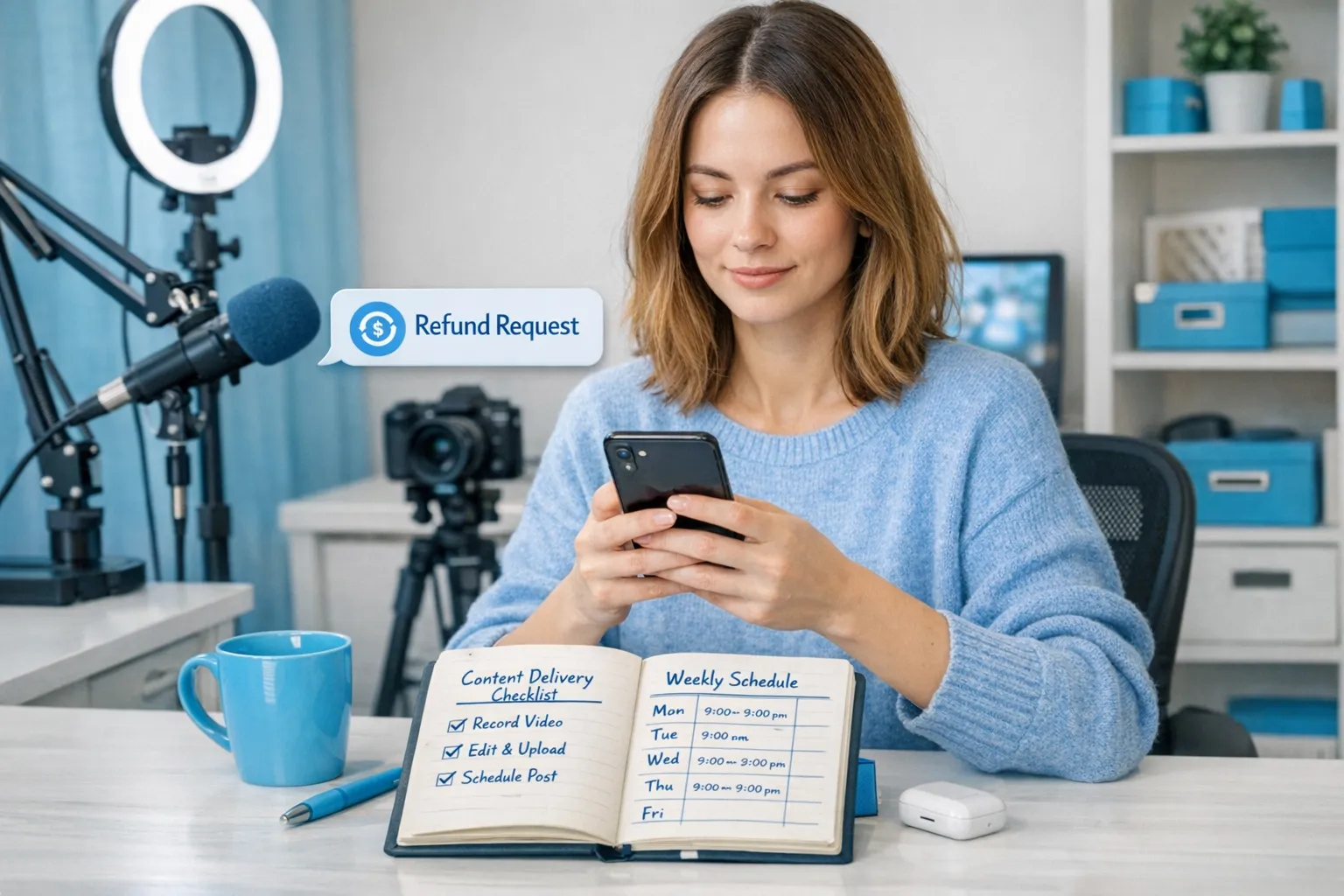
- Your custom delivery window (example: “24 to 72 hours” or “3 to 7 days,” pick what you can truly hit)
- Your boundaries (what you don’t do)
- How PPV works (teasers in feed, full sets in DMs)
If you want help structuring your paid content offers, this pairs well with Lookstars’ pricing strategy guide: How Much to Charge for PPV on OnlyFans.
Use a “confirmation” line before selling anything expensive
Before a higher-ticket PPV or custom, ask a one-sentence confirmation that prevents most disputes.
Template:
“Just confirming babe: this is (what they get) for (price), delivered (timeline). Want me to send it?”
It’s not about being formal. It’s about protecting you.
Make it easy to find purchased content
A lot of “I didn’t get it” is simply messy threads.
- Re-send the paid message once if it’s reasonable.
- Use consistent labels in your messages (example: “PPV: Valentine Set (10 pics + 1 video)”).
- Keep a simple note about what each VIP bought.
If you’re building a bigger internal sales system, read: How to Sell Content on OnlyFans (Step-by-Step).
Boundaries that keep you safe (and reduce harassment)
Refund conversations can turn manipulative fast. These boundaries help you exit safely:
- No arguing. Restate policy, offer one alternative, direct to support.
- No “sorry spiral.” One apology is human. Five apologies reads like guilt.
- No free extras to stop a tantrum. That trains the worst behavior.
- No off-platform payment fixes. If someone pushes you to use PayPal, Cash App, crypto, anything like that to “refund,” treat it as a red flag.
If you’re worried about bad actors in general, this is worth reading: OnlyFans Scam: How Agencies, Managers and Chatters Rob the Creators.
Track refunds the smart way (so your bookkeeping doesn’t get messy)
Even if you don’t think about taxes yet, refunds and chargebacks can create confusing numbers later.
A simple rule: track refunds as negative income tied to the original sale, and keep a note about what happened (renewal dispute, PPV confusion, etc.).
This is educational, not tax advice. Policies and laws can change. Verify with a professional.
For a clean tracking setup, use: OnlyFans 1099 Taxes: What Creators Should Track.
When refund requests are a sign you need help (not a new script)
If refund requests are constant, it usually means one of these is happening:
- Your PPV and custom offers aren’t clearly framed.
- Your DMs are too slow, so fans get frustrated and escalate.
- You’re selling a lot, but your delivery system is inconsistent.
- You’re attracting low-quality traffic that doesn’t understand the platform.
At that point, the fix may be operational support, not more copy.
If you’ve been doing everything solo and it’s starting to feel like a 24/7 job, this breakdown can help you decide what to outsource (and what not to): Working With an Agency vs Running OnlyFans Alone.
A simple “refund request” response you can always use
If you want one universal reply that buys you time without escalating:
Message:
“Hey babe, I hear you. Tell me which charge you mean (sub renewal, PPV, custom, or tip) and the approximate date/time. I’ll check it and help you with the fastest solution.”
Then you triage, choose the right script, and stay consistent.
If you want support building a DM system that reduces disputes (faster replies, clearer offers, consistent delivery), you can learn more about what a professional management team actually does here: What an OnlyFans Manager can really do for you, or explore Lookstars Agency when you’re ready to stop carrying everything alone.



Ready to transform your career?
Join hundreds of creators already earning six figures with Lookstars Agency.
Share this article
Best OnlyFans Agency
Europe's Leading OnlyFans Management Agency.

100% Free Ebook
Get our guide and unlock the secrets to OnlyFans success.
100% Free Ebook
Get our guide and unlock the secrets to OnlyFans success.
Free Revenue Calculator & Profile Analyzer
Try them for freeContinue reading...

Am I Attractive Enough for an OnlyFans Agency? The Answer

Can You Ever Fully Delete Your OnlyFans Content? The Reality
