OnlyFans Video Guide: Film, Edit, and Sell Content (2026)
Most creators don’t need “better ideas”, they need a repeatable video system: film faster, edit cleaner, and package each clip so it sells (without living in...
Most creators don’t need “better ideas”, they need a repeatable video system: film faster, edit cleaner, and package each clip so it sells (without living in your camera roll 24/7).
This OnlyFans video guide is built for 2026 reality: short attention spans, high competition, and subscribers who pay more when your content feels intentional, personal, and easy to buy.
What makes OnlyFans videos sell in 2026 (even if you’re not a “pro”)
When fans pay for video, they’re usually buying one of these:
- Access (they feel like they’re getting something exclusive)
- Connection (your personality, voice, eye contact, little “girlfriend” moments)
- Clarity (they know what they’re buying, length, vibe, “what happens”)
- Convenience (they can purchase fast in DMs, with a simple yes)
Quality helps, but the bigger lever is packaging + delivery. A simple, well-lit 45 second clip with a strong hook and a clean PPV message often outsells a 10 minute “random” video that’s hard to describe.
If you want a broader menu of formats (teasers, BTS, roleplay, niche-specific ideas), pair this guide with: Best OnlyFans content ideas (2025). The concepts still apply in 2026.
Decide what to film (a simple framework that prevents wasted shoots)
Before you hit record, decide the job of the video. This keeps you from filming content that feels cute but doesn’t move revenue.
Use this 1-minute decision framework:
- If traffic is low: film teaser clips designed to convert off-platform viewers into subscribers.
- If subs are coming in but spending is low: film PPV-style “paywall” videos that are easy to upsell in DMs.
- If churn is high: film retention content that builds connection (talking, routine, series).
- If you’re getting custom requests: film modular clips you can reuse as custom building blocks.
Here’s a quick map you can screenshot.
| Video goal | What it should feel like | Typical length (flexible) | Where it makes money | Common mistake |
|---|---|---|---|---|
| Teaser / promo | Quick, punchy, curiosity | 6 to 20 seconds | Off-platform conversion | Too long, no hook in first 2 seconds |
| Feed retention | Warm, personal, “I know you” | 20 to 90 seconds | Keeps subs renewed | Over-editing until it feels fake |
| DM PPV | Specific, premium, easy to describe | 30 seconds to 5 minutes | PPV sales in messages | Vague title, no preview, wrong timing |
| “Whale” / VIP | Slow, intimate, custom-feeling | 3 to 12 minutes | High spenders | Trying to sell it to everyone |
You don’t need to pick one. Most stable creators run a mix.
A realistic filming setup (what actually matters, what you can skip)
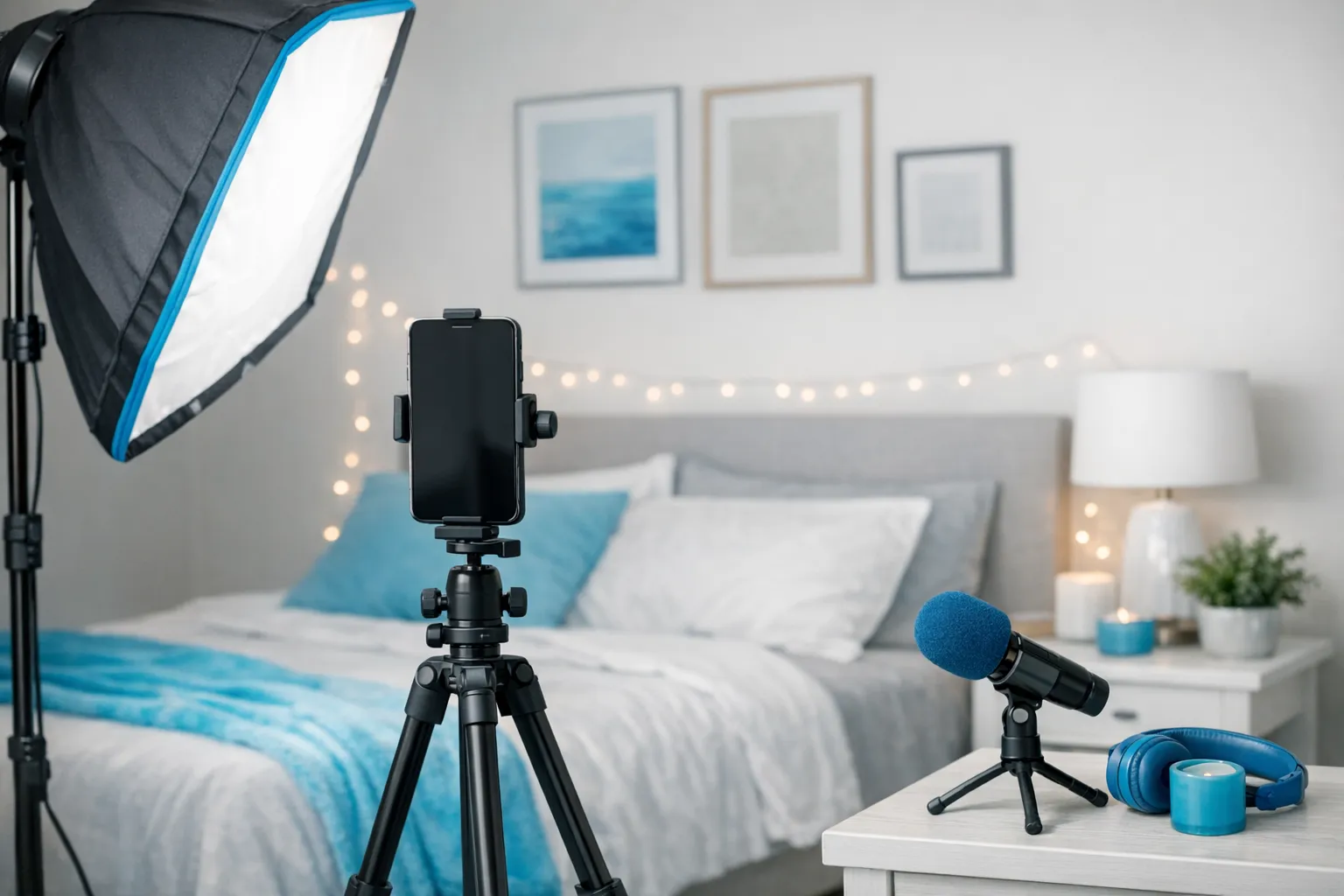
If you’re filming on a phone, you can absolutely compete. Your priorities are:
- Light (soft, flattering)
- Stable shot (tripod, not handheld)
- Clean audio (if you talk)
- Simple background (less clutter, more “premium”)
Gear tiers that make sense
| Tier | Best for | What to buy first | Why it matters |
|---|---|---|---|
| Starter | New creators, low budget | Tripod + one soft light | Stability and lighting change everything |
| Upgrade | Creators posting weekly | Clip-on mic (or small mic) + second light | Voice sells, better angles, fewer reshoots |
| “Studio” | Established creators batching content | Camera upgrade only if needed | The workflow matters more than the camera |
Skip (for now): expensive lenses, complicated multi-light setups, and “cinematic” editing that triples your time.
Film like a creator who values her time (step-by-step)
Step 1: Build a 10-minute pre-shoot plan
Write this on a notes app:
- Video name (internal): “Shower tease A”
- What the fan gets: “wet hair, close-up tease, slow reveal”
- Where it will sell: “PPV in DMs”
- Preview: “5 second safe clip”
- Upsell: “Want the longer version?”
This tiny plan prevents rambling content.
Step 2: Choose angles that sell, not angles that confuse
For most solo content, you want:
- One “connection” angle (closer shot, face or no-face, but intimate)
- One “context” angle (full body or wider, establishes the scene)
If you’re a no-face creator, your “connection angle” becomes hands, lips, collarbone, voice, POV framing, and consistency.
If privacy matters for you, this guide pairs well with: How to make money on OnlyFans without showing your face.
Step 3: Batch filming (the easiest way to stay consistent)
Instead of filming one video per day, aim for one filming session that creates 6 to 12 assets:
- 2 teaser clips (6 to 12 seconds)
- 2 feed videos (20 to 60 seconds)
- 1 to 3 PPV videos (60 seconds to 5 minutes)
- 1 “story” clip (talking, BTS, daily life)
- 10 still frames you can pull from video
This is also how you prevent burnout. You’re not “always on”, you’re on schedule.
Step 4: Film with editing in mind (tiny habits, huge payoff)
- Pause for 2 seconds before and after each take (gives you clean cut points)
- Say the “selling line” once clearly if you talk (you can use it as the hook)
- Avoid loud background noise (fans will click out fast)
- Keep props and outfits simple, unless your niche requires more
Edit faster (without lowering quality)
Your editing goal is not to be a filmmaker. It’s to be easy to buy.
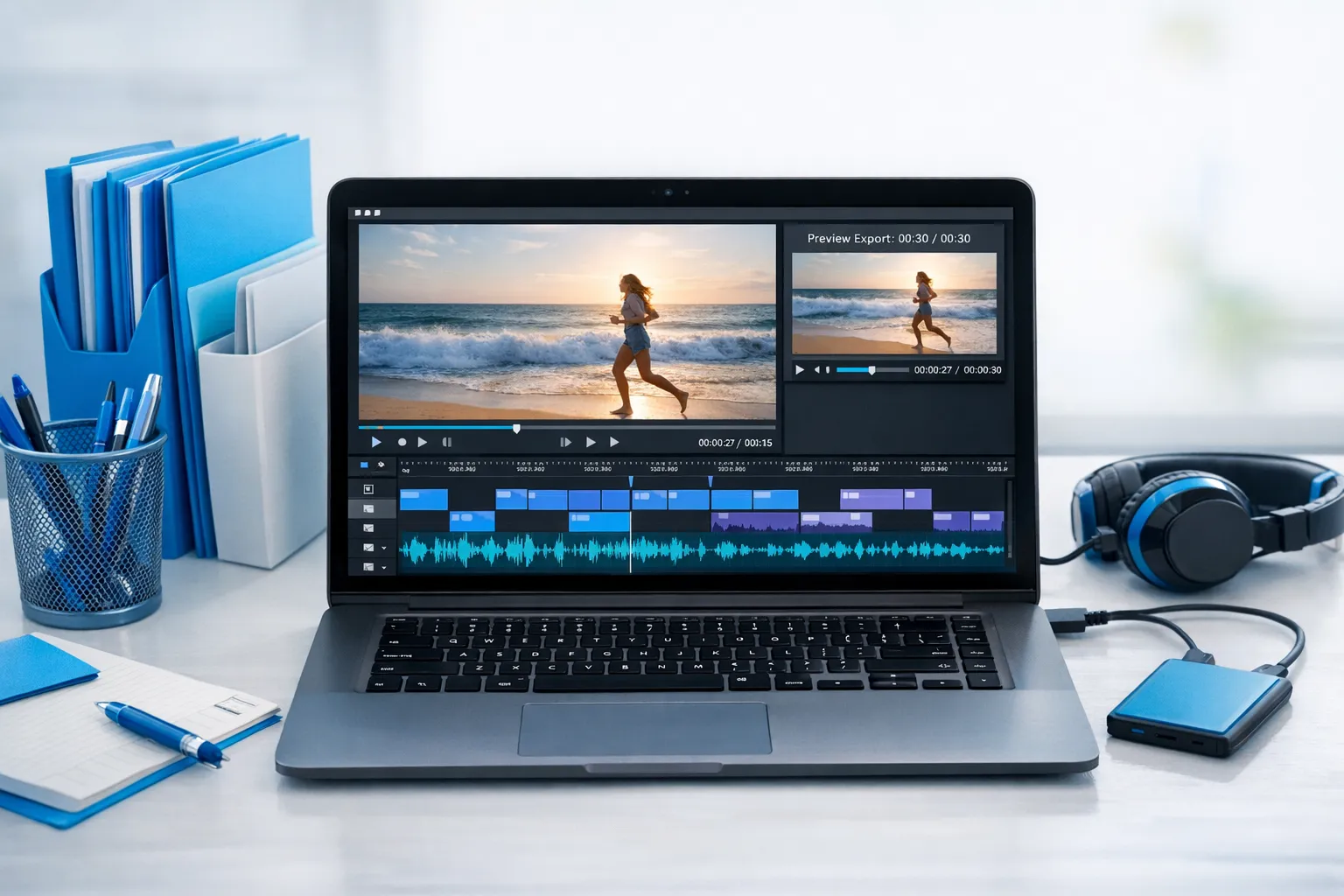
A fast editing flow that works in CapCut, VN, Premiere, Final Cut, or DaVinci Resolve:
The 20-minute “PPV ready” editing checklist
- Trim dead time (anything that doesn’t build tension or story)
- Fix brightness (raise exposure slightly, soften shadows)
- Clean audio (lower background noise if possible)
- Add a subtle watermark (your @, not huge, not centered)
- Export 2 files:
- Full video (paid)
- Preview (5 to 10 seconds, safe teaser)
If you want to speed this up with AI-assisted tools (for captions, quick cuts, repurposing), use ideas from: How to use AI to make more money on OnlyFans.
Keep your edits “premium”, not “busy”
Over-editing can make adult content feel like an ad. Most fans prefer:
- Natural color
- Smooth cuts
- Clear sound
- A vibe that feels real
Organize your video library so you can sell more with less work
This is where creators quietly lose money: they forget what they’ve shot, can’t find it, and end up re-filming.
Try this simple folder naming system:
- 2026-02 Teasers
- 2026-02 Feed
- 2026-02 PPV
- 2026-02 Customs (raw)
- 2026 Vault (best sellers)
Inside filenames, include:
- date
- theme
- length
- “safe” or “explicit” (for your own sorting)
Example: 2026-02-22_lingerie_tease_01m10s_PPv
This makes bundles and “vault drops” effortless.
Sell the video (pricing, PPV, and scripts that don’t feel awkward)
Feed vs PPV: the simplest way to think about it
- Feed is for retention and trust.
- PPV is for revenue.
A common strategy is a lower subscription price paired with consistent PPV offers, but what’s “right” depends on your niche, your promo strength, and how much you want to DM.
For the full pricing breakdown and ranges creators commonly test, use: How much to charge for PPV on OnlyFans.
And if you want the full mechanics of selling inside the platform, read: How to sell content on OnlyFans (step-by-step).
The “3-level” PPV packaging method
Instead of one random PPV, create a ladder:
- Level 1 (easy yes): short, affordable, very clear description
- Level 2 (premium): longer, more explicit, more specific
- Level 3 (VIP): personalized-feeling version, limited quantity, higher price
You can film all three in one session by changing pace, angle, and talk-track.
Copy and paste PPV message templates (creator-friendly)
You can use emojis here if it fits your vibe.
Template A: Soft sell (great for warm audiences)
“Hey babe 🤍 I just made something extra for you. Want to see my new [outfit / shower / tease] video? It’s [length] and it gets really spicy at the end.”
Template B: Clear and specific (best for conversions)
“New PPV: [Title]
- Length: [X:XX]
- Vibe: [slow / needy / dominant / playful]
- Includes: [1 to 2 specific bullets in sentence form] Want it?”
Template C: VIP angle (for high spenders)
“I can send you the longer version I didn’t post anywhere. It’s more intimate, and I only made a few copies. Want me to drop it in here?”
Timing matters more than you think
If you send PPV when your fans are offline, your best video becomes invisible. Track when your audience replies fastest, then test sending PPV inside those windows.
If you also go live, you can turn live viewers into PPV buyers by reselling recordings. See: How to stream on OnlyFans Live like a pro.
Track what sells (so you stop guessing)
Creators often over-focus on views, and under-focus on what actually pays.
At minimum, track these three:
- Traffic source: where clicks come from
- Conversion: how many become subscribers
- PPV conversion: how many buyers per message
OnlyFans tracking links help you measure which platform and which post style converts best. Here’s the walkthrough: OnlyFans tracking links guide.
A practical weekly habit:
- Keep a note with your last 10 PPVs
- For each: topic, length, price, preview style, send time
- Circle the top 2 performers, then film “Version 2” next batch day
This is how you grow without reinventing yourself every week.
Protect your content and your privacy (while you scale)
Leak risk goes up when you grow. The goal is not perfection, it’s risk reduction.
Smart basics:
- Watermark paid videos (subtle but visible)
- Avoid showing identifying details (mail, unique street views, family photos)
- Consider country blocking if you’re worried about local discovery
- Remove metadata from media when relevant (especially if you reuse promo content elsewhere)
If your biggest fear is being recognized, you’ll feel seen in: How to secretly promote your OnlyFans (without friends or family finding out).
If you’re working with anyone (editor, chatter, manager), also read: 6 red flags before signing with an OnlyFans agency.
DIY vs outsourcing (be honest about your bottleneck)
Outsourcing can help a lot, but it’s not magic. The best time to get help is when you can name your bottleneck:
- “I can film, but I can’t edit fast enough.” Consider an editor.
- “My content is good, but traffic is low.” Consider marketing support.
- “My DMs convert, but I miss messages.” Consider 24/7 chat support.
- “Leaks stress me out.” Consider content leak protection.
If you want a calm breakdown of tradeoffs, start here: Working with an agency vs running OnlyFans alone.
Quick checklist: your next filming day (printable)
- Choose 1 goal (traffic, PPV, retention)
- Write 3 video concepts with a one-line “what they get”
- Set up light + tripod, clean background
- Film 6 to 12 assets in one batch
- Edit with the PPV-ready checklist
- Export full + preview
- Schedule feed posts, plan 1 to 3 PPV sends
- Track results, then repeat what worked
Frequently Asked Questions
What’s the best video length for OnlyFans in 2026? It depends on the job. Teasers often work best under 20 seconds, while PPV can range from under a minute to several minutes. Test based on what your buyers actually purchase.
Do I need a camera, or is my phone enough? A modern phone is enough for most creators. Prioritize lighting, stability, and simple framing before upgrading your camera.
How do I make videos feel more “premium” without expensive gear? Soft light, a tidy background, clear audio, and stronger packaging (title, preview, message copy) usually raise perceived value faster than a new camera.
Should I post full videos on my feed or keep them for PPV? Many creators use the feed for retention and teasers, and keep the most explicit or most “premium” videos for PPV. Your niche and pricing strategy matter, so test.
How do I sell more PPV without sounding pushy? Use clear descriptions, ask permission (“Want it?”), and match the offer to what the fan is already talking about. Conversational PPV usually feels natural when it’s relevant.
How can I protect my videos from leaks? You can reduce risk with watermarks, privacy settings like country blocking, and consistent monitoring. No method is perfect, but a system helps you respond faster.
Want help turning your videos into consistent income (without burning out)?
If you love creating but don’t want to handle everything alone, Lookstars supports creators with multi-platform marketing, 24/7 fan chatting, strategic posting management, and content leak protection. There are no upfront costs and contracts are flexible (cancel anytime), so you can stay in control while getting real operational support.
Explore how we work at Lookstars Agency.



Ready to transform your career?
Join hundreds of creators already earning six figures with Lookstars Agency.
Share this article
Best OnlyFans Agency
Europe's Leading OnlyFans Management Agency.

100% Free Ebook
Get our guide and unlock the secrets to OnlyFans success.
100% Free Ebook
Get our guide and unlock the secrets to OnlyFans success.
Free Revenue Calculator & Profile Analyzer
Try them for freeContinue reading...

Am I Attractive Enough for an OnlyFans Agency? The Answer

Can You Ever Fully Delete Your OnlyFans Content? The Reality
