How to Withdraw Money from OnlyFans in Argentina
Getting paid should feel like the easy part of OnlyFans, but in Argentina it can get confusing fast: payout methods vary, banks can add fees, currency conver...
Getting paid should feel like the easy part of OnlyFans, but in Argentina it can get confusing fast: payout methods vary, banks can add fees, currency conversion can surprise you, and a small mismatch in your details can delay everything.
This guide walks you through how to withdraw money from OnlyFans in Argentina step by step, plus what to do if your payout is pending or missing. (OnlyFans policies and payout options can change, so always double-check what you see inside your own Payouts settings.)
First, understand what “available to withdraw” actually means
Before you change anything, it helps to separate three numbers that creators often mix up:
- Earnings (gross): what fans paid.
- Net earnings: what remains after platform fees (OnlyFans charges a platform fee, commonly described as 20%, but always confirm in your dashboard).
- Available balance: what you can actually withdraw now.
Your “available” balance can be lower than expected if some transactions are still in a pending period, if you recently changed payout details, or if there are account review checks.
Step-by-step: how to withdraw money from OnlyFans in Argentina
1) Confirm your account details match your payout details
OnlyFans payouts are tied to identity verification and compliance checks, so this part matters more than people think.
Make sure:
- Your legal name on OnlyFans matches the bank account holder name.
- Your address and date of birth are correct.
- You are using your own payout method, not a friend’s or partner’s.
If anything is off, fix it before requesting a payout. Name mismatches are one of the most common reasons payouts get held.
2) Go to your Payouts area in OnlyFans
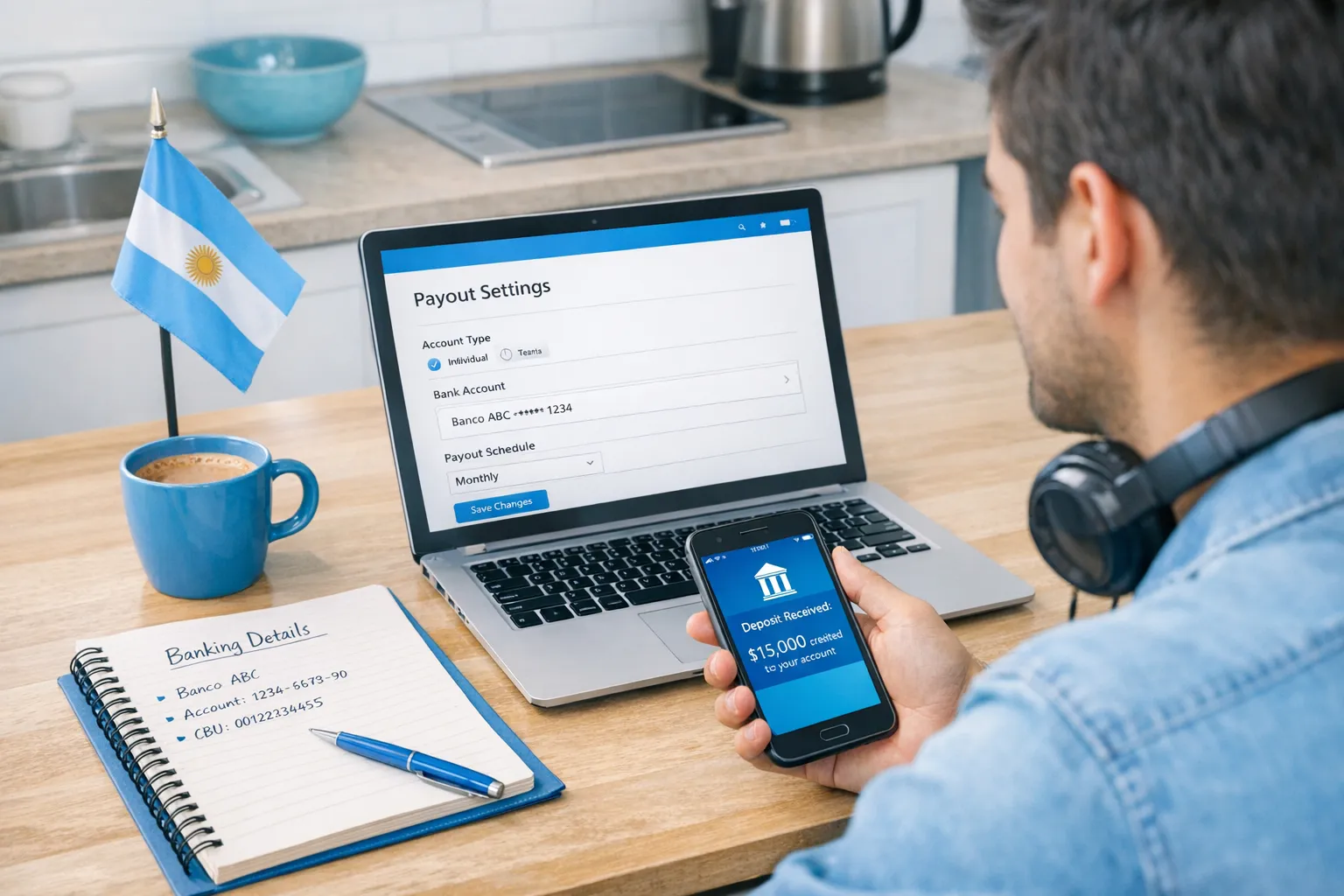
In your OnlyFans account, open Settings, then look for Payouts (wording can vary slightly). This is where you will:
- See your available balance
- Choose a payout method (what you see depends on your country and eligibility)
- Add or edit payout details
If you do not see a payout method that works for Argentina, do not guess. Contact OnlyFans support through the official help flow inside your account.
3) Choose the payout method you actually want long-term
Argentina creators often pick a method quickly just to “get paid once,” then later realize fees and conversion were painful.
A practical way to decide is to choose based on your real goal:
- Fast access to pesos (ARS): you may prioritize simplicity, even if conversion is not ideal.
- Keep value in a stronger currency (if your bank supports it): you may care more about where conversion happens and what rate you get.
- Business cleanliness (tax and bookkeeping): you may prefer a dedicated account, even if it takes longer.
Availability varies by creator and country, so your OnlyFans dashboard is the source of truth.
4) Enter payout details carefully (then screenshot what you submit)
Depending on the method offered to you, you might be asked for details such as:
- Bank name
- Account holder name
- Account number or local bank code (for Argentina this can involve CBU or other local identifiers, depending on the rail used)
- SWIFT/BIC (commonly used for international wires)
Tip: Take a screenshot of the final confirmation screen (and keep it in a “Payouts” folder). If support asks for proof later, you will be glad you have it.
5) Request the withdrawal
Once your payout method is saved, you can submit a withdrawal request.
After you request it:
- Your payout typically moves through statuses like requested, processing, sent (exact labels vary).
- Your bank may take extra time to credit it, especially if intermediaries are involved.
6) Track the payout on both sides (OnlyFans and your bank)
A payout can be “sent” by the platform and still not visible in your bank yet.
Track:
- The payout status in OnlyFans
- The incoming transfer at your bank
- Any email notifications related to payout changes or verification
If you are dealing with repeated delays, use this troubleshooting flow from our guide on payout issues: International payouts: how to avoid common delays.
What Argentina creators should watch for (fees, FX, and bank friction)
With international creator payouts, the money can pass through multiple “hands”:
- OnlyFans (platform payout)
- Payment processors (behind the scenes)
- Intermediary banks (for some international transfers)
- Your receiving bank in Argentina
That is why two creators can withdraw the same amount and receive different net amounts.
Common payout costs and friction points
These are not OnlyFans-specific, they are common for international transfers:
- Intermediary bank fees: sometimes deducted before the transfer reaches you.
- Receiving bank fees: your bank may charge to receive an international transfer.
- Currency conversion spread: the exchange rate used can differ from the headline rate you see on Google.
- Compliance questions: banks can request additional info for incoming international funds.
If you want fewer surprises, call your bank and ask (in plain language):
- Do you accept incoming international transfers for individuals?
- Will the funds be credited in USD or converted to ARS automatically?
- What fees apply for incoming transfers, including intermediary fees?
- What information do you need from the sender if the transfer is delayed?
Quick comparison table: your payout setup options (conceptual)
Because availability depends on what OnlyFans offers you inside your account, think of the “best” method as a tradeoff between speed, fees, and control.
| Priority | What to optimize for | What usually helps | Common downside |
|---|---|---|---|
| Get money quickly | Fewer steps, fewer approval points | A payout method that your bank credits reliably | You may accept worse FX or higher total fees |
| Receive the most net | Lower total fees, better conversion | Understanding where conversion happens (platform, intermediary, bank) | More setup time and more banking questions |
| Fewer payout headaches | Stability and fewer reversals | Keeping payout details consistent, avoiding frequent edits | Less flexibility if you want to switch banks often |
| Clean bookkeeping | Clear separation of business money | Dedicated account and consistent tracking | More admin and documentation |
If your payout is pending or missing: the fixes that actually work
Most payout problems are boring, but fixable. Here are the most common ones.
| Symptom | Likely cause | What to do next |
|---|---|---|
| “Processing” for longer than expected | Review checks, first payout friction, recent payout edits | Wait a reasonable window, then contact support with screenshots of the request and your payout details |
| “Sent” but nothing arrived | Bank processing time, intermediary delays, weekends/holidays | Ask your bank what they need to trace an inbound transfer, then contact OnlyFans support if you need a reference |
| Payout failed or reversed | Name mismatch, wrong bank identifiers, bank rejected it | Re-check every character, confirm the account holder name, then re-submit |
| You cannot add a payout method | Eligibility or regional availability | Use the in-account help flow and ask what methods are available for Argentina for your account |
| You receive less than expected | Fees and FX spread | Ask your bank for a fee breakdown and confirm whether conversion happened before crediting |
For a more detailed checklist and a 30-minute troubleshooting flow, read: International payouts: how to avoid common delays.
“Do this today” checklist (Argentina payout safety edition)
If you want a clean payout process going forward, do these seven things once:
- Create a note with your exact payout details (copy/paste reduces typos).
- Confirm your legal name matches your bank account.
- Stop changing payout details frequently (changes can trigger extra review).
- Screenshot each payout request confirmation.
- Keep a simple payout log: date requested, date sent, date received, net received.
- Maintain a separate folder for payout emails and bank receipts.
- Set aside a portion for taxes and surprises.
Taxes and tracking (important, but keep it simple)
If you are withdrawing from OnlyFans in Argentina, you are running a real business. Even if you are not “big” yet, tracking early protects you later.
A simple habit that works is a weekly 30 to 60 minute money check-in:
- Record total payouts received
- Record key expenses (props, lingerie, editing apps, paid promo, outsourcing)
- Store receipts
This is educational, not legal or tax advice. Laws and platform reporting can change, verify with official sources or a qualified professional.
If you want a creator-friendly tracking routine, use our guide: OnlyFans taxes: weekly habit to stay organized.
When it makes sense to get help (and when it doesn’t)
If your main problem is purely “click the buttons,” you probably do not need an agency.
But if you are losing time and money to:
- Payout delays you do not know how to troubleshoot
- постоянный стресс about privacy, leaks, or account security
- DMs taking over your day so you cannot market or create content
…then it can make sense to bring in professional operations support.
If you are weighing that decision, this breakdown is a good starting point: Working with an agency vs running OnlyFans alone.
If you want to explore full management (marketing, 24/7 fan chatting, posting strategy, leak protection, and privacy setup), you can learn more about Lookstars here: Lookstars Agency.



Gata să-ți transformi cariera?
Alătură-te sute de creatori care câștigă deja șase cifre cu Lookstars Agency.
Distribuie acest articol
Cea Mai Bună Agenție OnlyFans
Agenția de Management OnlyFans Lider în Europa.

100% Ebook gratuit
Obține ghidul nostru și deblochează secretele succesului pe OnlyFans.
100% Ebook gratuit
Obține ghidul nostru și deblochează secretele succesului pe OnlyFans.